Laptop Cooling and External Cooling Gear: What Actually Helps and What Doesn’t
Laptop Cooling and External Cooling Gear: What Actually Helps and What Doesn’t
Laptop cooling plays a far greater role in real-world performance than many users realize. In modern laptops, heat directly influences processing speed, stability, battery efficiency, and long-term hardware health. Even high-end laptops can underperform if thermal management is poorly designed or misunderstood.
In 2026, laptops are thinner, more powerful, and more thermally constrained than ever. As a result, users often turn to external cooling gear hoping to fix overheating issues. Some solutions genuinely help, while others provide little more than placebo effects.
This guide explains how laptop cooling really works, which cooling methods actually improve performance, and which popular solutions rarely deliver measurable benefits.
Why Laptop Cooling Directly Affects Performance?
Modern processors automatically adjust their speed based on temperature. When internal temperatures rise beyond safe limits, the system reduces clock speeds to prevent damage — a process known as thermal throttling.
Thermal throttling leads to:
- Sudden performance drops during heavy workloads
- Inconsistent frame rates during gaming
- Slower rendering and export times
- Reduced sustained performance over long sessions
Even users who never monitor temperatures often experience these effects indirectly as “lag” or “slowdowns.” Proper cooling is essential for maintaining consistent performance, not just peak benchmarks.
Internal Laptop Cooling: What You Cannot Change
Every laptop relies on a built-in thermal system consisting of heat pipes, vapor chambers, thermal paste, and internal fans. This internal design sets the upper limit of cooling capability.
Key internal factors include:
- Thermal design quality (heat pipe layout and airflow path)
- Fan size and exhaust placement
- Chassis material and internal space
Thin-and-light laptops prioritize portability over cooling headroom. Even with external accessories, these systems cannot match the sustained performance of thicker laptops with robust thermal designs.
This is why overall system responsiveness often differs dramatically between laptops with similar specifications.
Do Cooling Pads Actually Work?
Cooling pads are one of the most common forms of external cooling gear. Their effectiveness depends heavily on laptop design.
Cooling pads help only when:
- The laptop has bottom air intake vents
- Internal fans already pull air from below
- The pad improves airflow, not just adds noise
In these cases, cooling pads can reduce temperatures by a small but meaningful margin, typically improving sustained performance during long workloads.
However, cooling pads are far less effective for laptops with side or rear intakes, where external airflow cannot reach internal components efficiently.
Cooling pads should be viewed as supportive airflow tools, not temperature miracles.
Laptop Stands: An Underrated Cooling Improvement
Elevating a laptop improves airflow more consistently than many active cooling accessories. Laptop stands increase the space beneath the chassis, allowing hot air to dissipate more efficiently.
Benefits of laptop stands include:
- Improved passive cooling
- Better posture and ergonomics
- Reduced surface heat buildup
While temperature reductions are modest, the improvement is reliable across most laptop designs. For users working long hours, stands often deliver more practical benefits than fan-based cooling gear.
External Cooling Gear That Rarely Helps
Several popular cooling solutions promise dramatic temperature drops but rarely deliver real-world gains.
These include:
- Clip-on exhaust fans with poor sealing
- Low-quality cooling pads with weak airflow
- Cooling accessories that block vents
In many cases, these products add noise without improving airflow. Worse, poorly designed accessories can disrupt internal airflow patterns, increasing internal temperatures instead of reducing them.
Effective cooling depends on airflow efficiency, not fan quantity.
Software and Usage Habits Matter More Than Accessories
Laptop cooling is not solved by hardware alone. Software behavior and usage patterns significantly influence thermal output.
Factors that increase heat unnecessarily include:
- Excessive background processes
- Poor power management profiles
- Running sustained workloads without airflow breaks
Modern operating systems provide advanced power management controls that balance performance and temperature. Understanding your workflow and adjusting usage habits often produces greater thermal improvements than buying additional accessories.
Repasting and Internal Cleaning: When It Actually Helps
Over time, thermal paste degrades and dust accumulates inside laptops. For older devices, professional internal cleaning and repasting can restore lost cooling efficiency.
This is most effective when:
- The laptop is several years old
- Fans run loudly under light loads
- Temperatures are abnormally high
However, repasting is not recommended for casual users unless performed by qualified technicians. Improper handling can cause more harm than benefit.
External Standards That Influence Cooling Efficiency
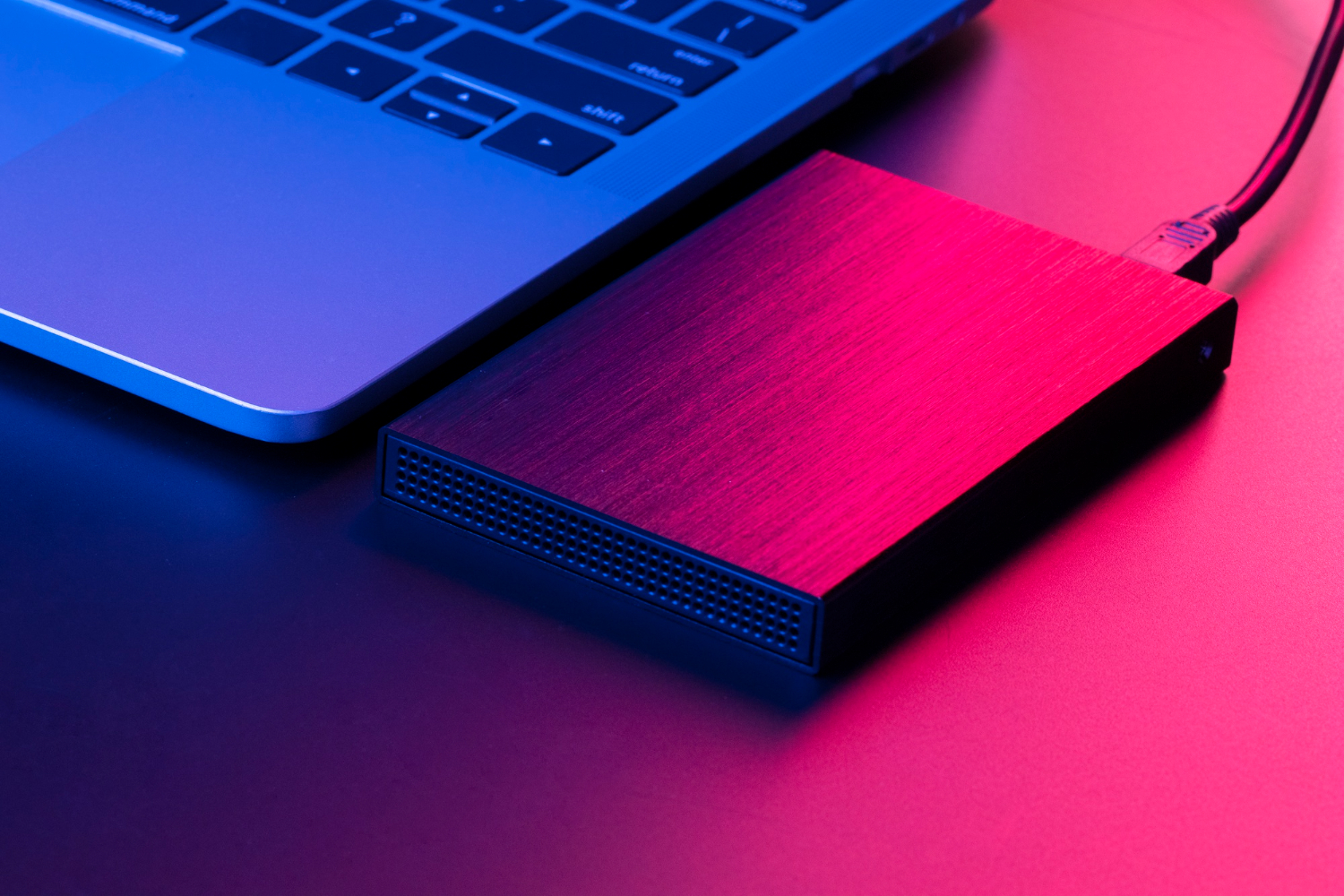
Modern connectivity standards allow laptops to offload workloads to external devices, indirectly reducing heat generation.
For example, external storage or peripherals connected via USB-C or Thunderbolt can reduce internal component strain during intensive tasks.
Cooling and Long-Term Laptop Health
Consistent exposure to high temperatures accelerates component aging. Better cooling improves:
- Processor longevity
- Battery health
- Sustained performance over years
Laptop cooling is not just about short-term speed — it directly affects how long a device remains usable.
Key Takeaways:
Laptop cooling effectiveness depends far more on thermal design, airflow efficiency, and usage habits than on flashy accessories. External cooling gear can help, but only when aligned with a laptop’s internal airflow design.
Cooling pads and stands offer modest, realistic improvements, while poorly designed accessories often fail to deliver results. Software optimization, proper airflow, and informed usage patterns remain the most reliable ways to control heat.
Understanding what actually helps allows users to invest wisely, avoid unnecessary accessories, and maintain stable laptop performance over the long term.