Key Laptop Accessories That Improve Performance and Comfort (Not Just Convenience)

Laptop accessories for performance and comfort are often dismissed as optional add-ons, yet they play a critical role in how effectively a laptop performs in real-world use. In 2026, most laptops are already powerful enough for everyday tasks, but productivity losses increasingly come from ergonomic limitations, inefficient input methods, thermal constraints, and workflow friction.
Accessories that genuinely matter are not about aesthetics or novelty. They address structural compromises made for portability and help transform a laptop into a stable, efficient, and sustainable work system. This article explains which accessories truly improve performance and comfort, why they work, and how they support long-term professional use.
Why Laptop Accessories Affect Performance More Than Specs Suggest?
Laptop hardware operates within strict physical limits. Thin chassis designs restrict airflow, compact keyboards limit typing efficiency, and minimal port selection increases workflow interruptions. Accessories exist to offset these limitations without replacing the laptop itself.
When chosen correctly, the right Laptop accessories for performance and comfort:
- Reduce physical fatigue during extended work sessions
- Improve input accuracy and speed
- Support sustained performance under load
- Lower long-term strain on both the user and the device
These gains are subtle individually but significant when combined over months or years of daily use.
External Keyboards Improve Typing Efficiency and Reduce Fatigue
Built-in laptop keyboards prioritize portability over ergonomics. Shallow key travel, narrow layouts, and limited wrist support can reduce typing accuracy and increase strain during long sessions.
A quality external keyboard provides:
- Proper key spacing and tactile feedback
- Improved typing rhythm and accuracy
- Reduced finger and wrist fatigue
For writers, developers, students, and professionals who type extensively, keyboard comfort directly impacts output consistency. Over time, improved ergonomics translate into measurable productivity gains.
This complements the visual ergonomics discussed in
Laptop Displays and External Monitors: What Actually Improves Productivity
Precision Mice Improve Control and Workflow Speed
Trackpads are designed for general navigation, not precision. A dedicated mouse improves cursor control, reduces hand strain, and accelerates repetitive tasks.
Practical advantages include:
- Faster navigation across large displays
- Higher accuracy for design, editing, and data work
- Reduced wrist tension compared to prolonged trackpad use
Ergonomic mice further improve comfort during long sessions, particularly for users working with external monitors.
Laptop Stands Improve Posture and Visual Comfort
Laptop screens sit too low for healthy posture. A laptop stand raises the display closer to eye level, improving alignment between the neck, shoulders, and spine.
Benefits include:
- Reduced neck and shoulder strain
- Improved viewing angles
- Better airflow under the laptop chassis
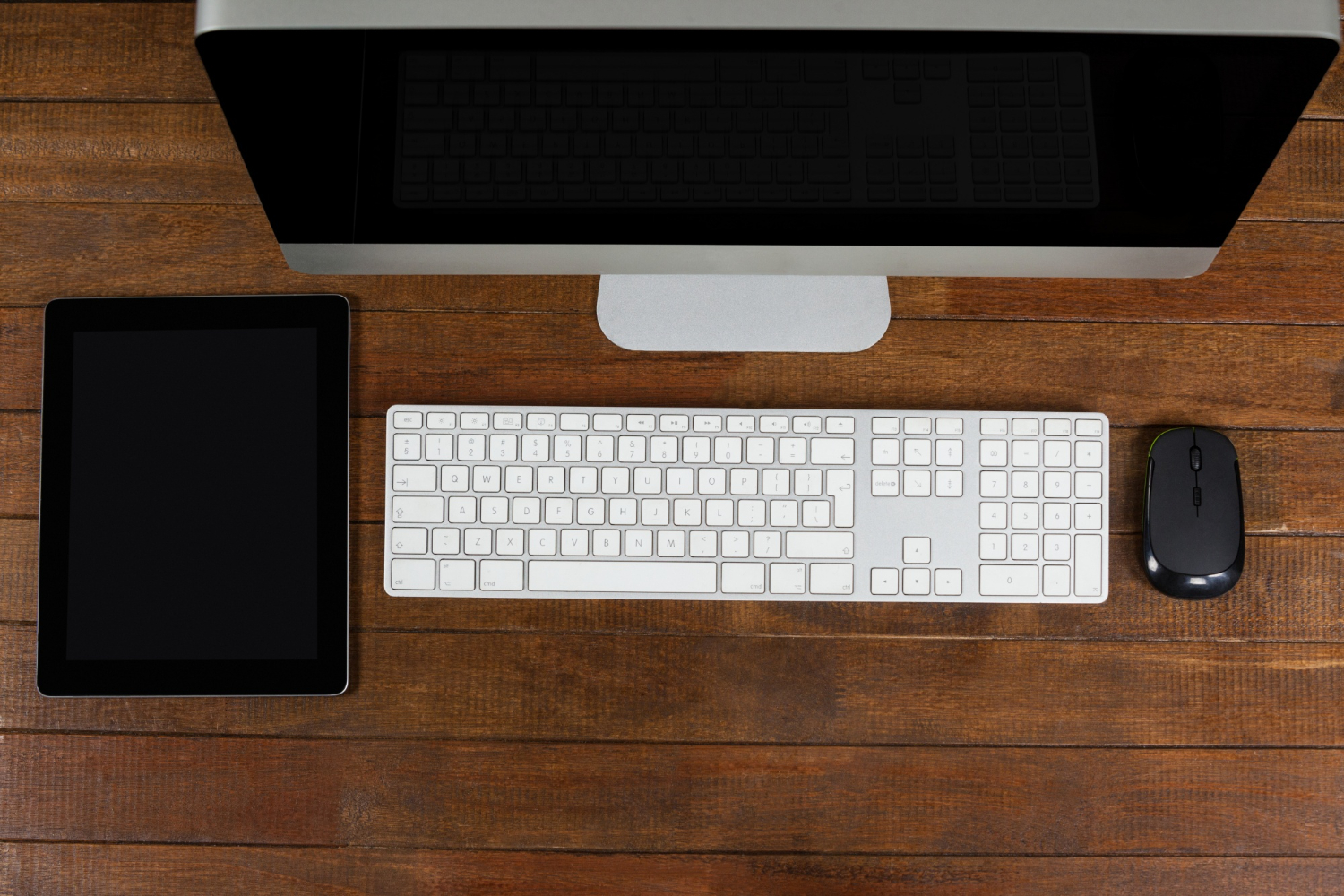
When combined with an external keyboard and mouse, a stand turns a laptop into a workstation that supports longer, more focused work sessions.
Foundational ergonomics principles behind this setup are explained in
https://en.wikipedia.org/wiki/Computer_ergonomics
Cooling Accessories Support Sustained Performance—With Limits
Cooling pads are often misunderstood. They do not permanently lower temperatures in all laptops, but they can help in specific scenarios.
Cooling accessories are effective when:
- The laptop draws air from the bottom
- Thermal throttling occurs during sustained workloads
- The pad improves airflow rather than simply adding noise
They do not fix poor internal thermal design, but they can help maintain stable performance during tasks such as rendering, compilation, or extended processing.
USB-C Hubs and Docks Reduce Workflow Friction
Modern laptops often sacrifice ports for thinner designs. USB-C hubs and docking stations restore connectivity and simplify desk setups.
Their real value lies in:
- Single-cable workstation connections
- Faster transitions between mobile and desk use
- Reliable access to displays, storage, and peripherals
While hubs do not increase raw performance, they significantly improve efficiency by reducing interruptions and setup time.
This topic is explored further in
Ports, Hubs, and Docks: Building a Laptop Setup That Ages Well
External Storage Improves Reliability and Workflow Flexibility
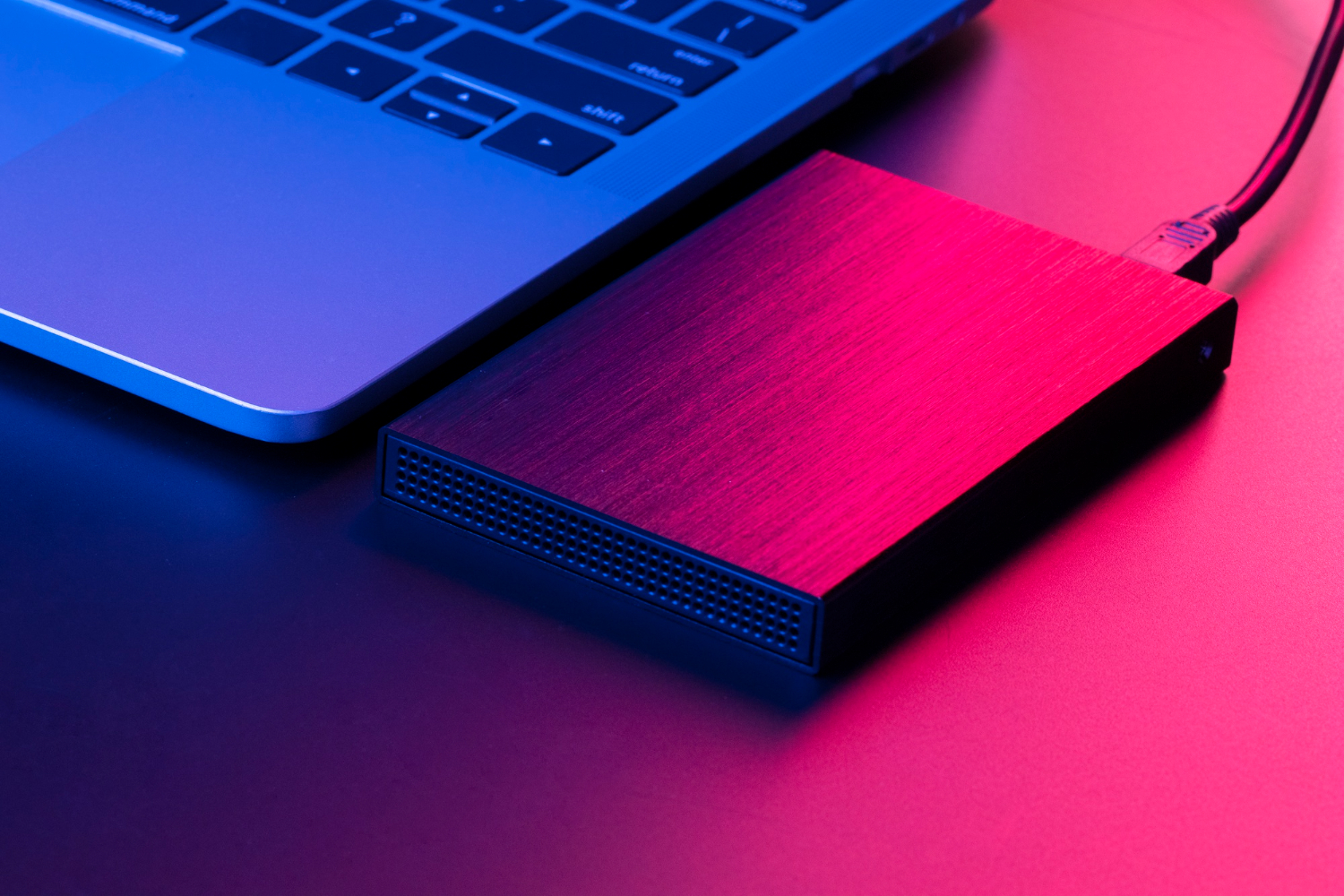
External storage is not just for backups. Fast external SSDs allow users to manage large projects without stressing internal storage capacity.
Real-world benefits include:
- Faster project transfers between devices
- Reduced wear on internal SSDs
- More flexible backup and archive workflows
Storage choices and their long-term impact are discussed in
Storage Solutions Explained: Internal SSDs, External Drives, and Cloud Storage
Comfort Directly Supports Long-Term Productivity
Accessories influence more than speed—they affect physical well-being. Poor ergonomics cause gradual strain that often goes unnoticed until productivity declines or discomfort becomes chronic.
Well-designed accessories support:
- Sustainable posture
- Reduced repetitive strain risk
- Greater focus during long sessions
For professionals, comfort is not optional; it is a prerequisite for consistent performance.
Key Takeaways:
Laptop accessories for performance and comfort address real limitations inherent in portable computing. External keyboards, mice, stands, cooling solutions, and connectivity tools work together to improve efficiency, ergonomics, and sustained usability.
The most effective laptop setups focus on workflow efficiency, physical comfort, and long-term reliability, not convenience or trends. Investing in the right accessories often delivers greater real-world benefits than upgrading internal hardware alone.