8 Essential Factors That Define Laptop Performance (Beyond Just Specifications)
Laptop performance is often judged by visible specifications such as processor type, RAM size, or storage capacity. While these elements matter, they do not tell the full story. Many users experience sluggish performance on well-speced laptops, while others enjoy smooth operation on seemingly modest machines. The difference lies in how multiple components and system-level factors work together. Let see what defines laptop performance.
This article breaks down the eight essential factors what defines laptop performance. Clearly Understanding what defines laptop performance helps users evaluate real-world speed, stability, and efficiency beyond marketing specifications.
1. Processor Architecture, Not Just the Model Name
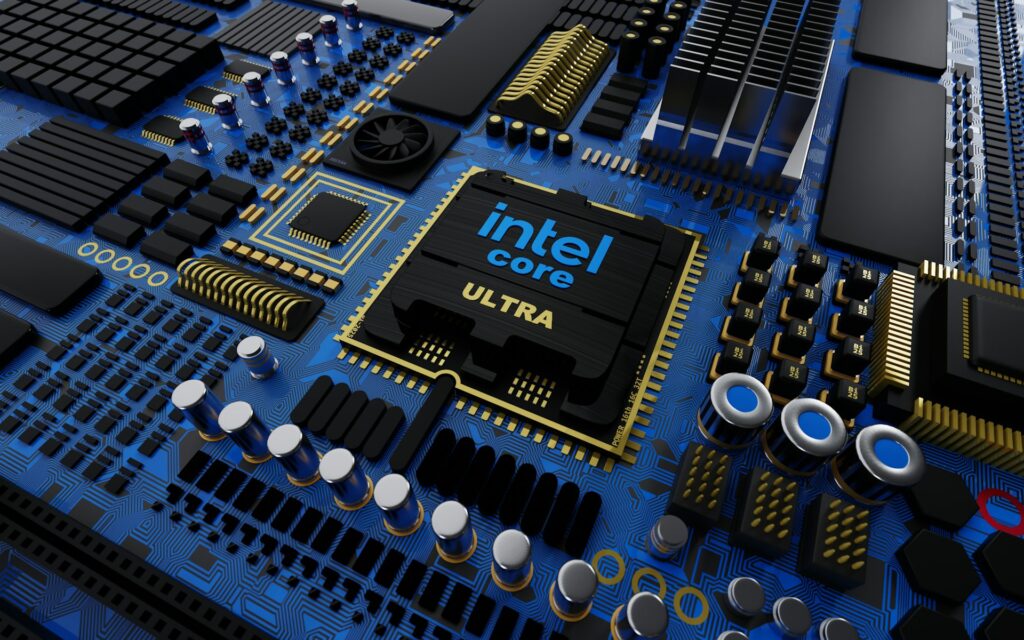
The processor is the foundation of laptop performance, but its architecture matters more than branding. Two laptops with the same processor name can perform differently depending on generation, core efficiency, and thermal limits.
“For similar insights into smartphone efficiency, see our detailed Mobile & Gadgets performance guide.”
Modern processors balance performance cores and efficiency cores to handle multitasking, productivity workloads, and background processes effectively. A newer-generation mid-range CPU often outperforms an older high-end one due to architectural improvements and better power management. This architectural efficiency is a key part of what defines laptop performance when handling multitasking and sustained workloads
According to Intel’s official documentation, processor architecture plays a critical role in real-world laptop performance, affecting multitasking efficiency and power consumption beyond raw clock speeds.
2. RAM Capacity and Memory Optimization
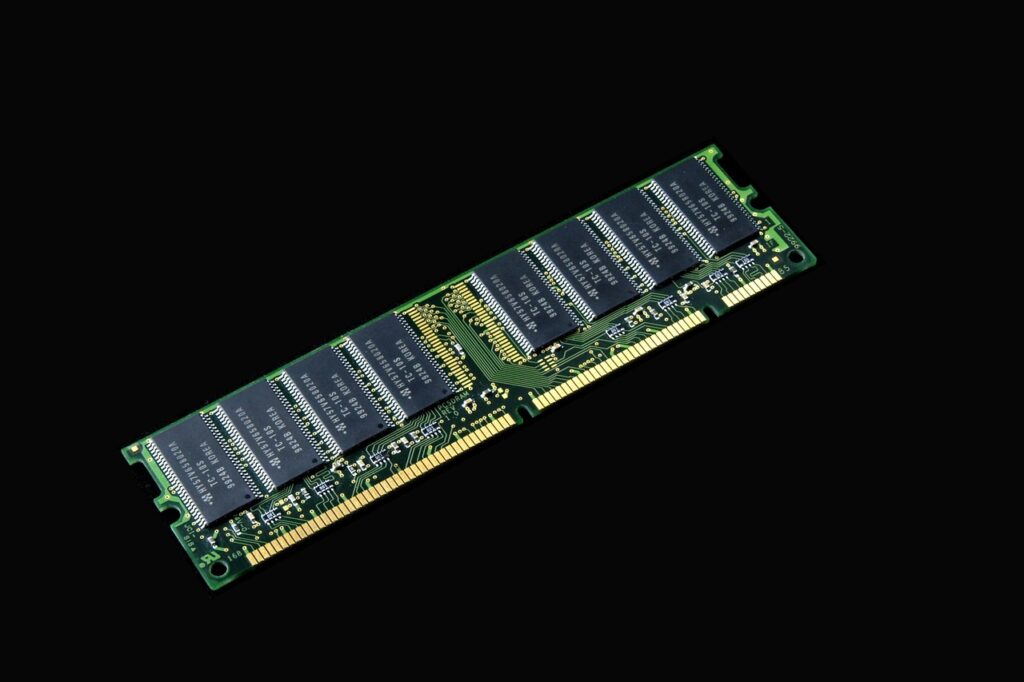
RAM plays a critical role in multitasking and system responsiveness. However, raw capacity alone does not guarantee speed. Memory speed, channel configuration (single vs dual channel), and operating system optimization significantly affect performance.
A well-optimized laptop with 8GB or 16GB of fast RAM can feel smoother than a poorly optimized system with higher memory (what defines laptop performance). Efficient memory handling reduces app reloads and ensures stable performance during prolonged usage.
3. Storage Type and Read–Write Speeds
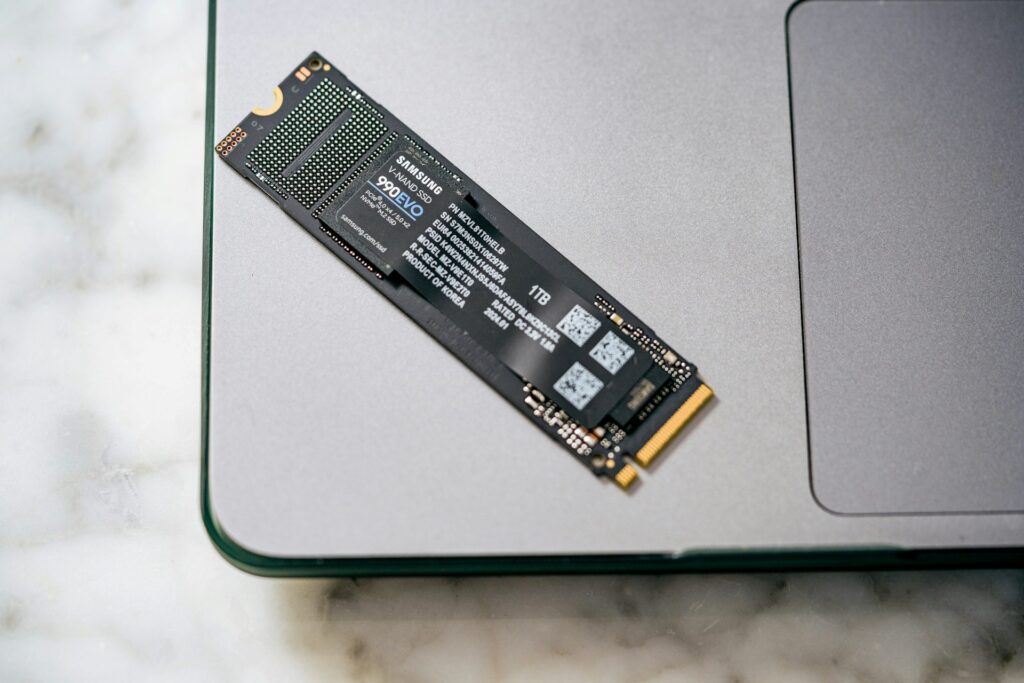
Storage is one of the most underestimated performance factors. Solid-state drives (SSDs), especially NVMe-based storage, dramatically improve boot times, app launches, and file transfers compared to traditional hard drives.
Independent testing has shown that NVMe SSDs significantly improve application load times and overall system responsiveness compared to traditional hard drives.
Even with a powerful processor, slow storage creates noticeable delays. Faster read–write speeds allow the operating system and applications to access data instantly, resulting in a more responsive user experience.
4. Thermal Design and Heat Management
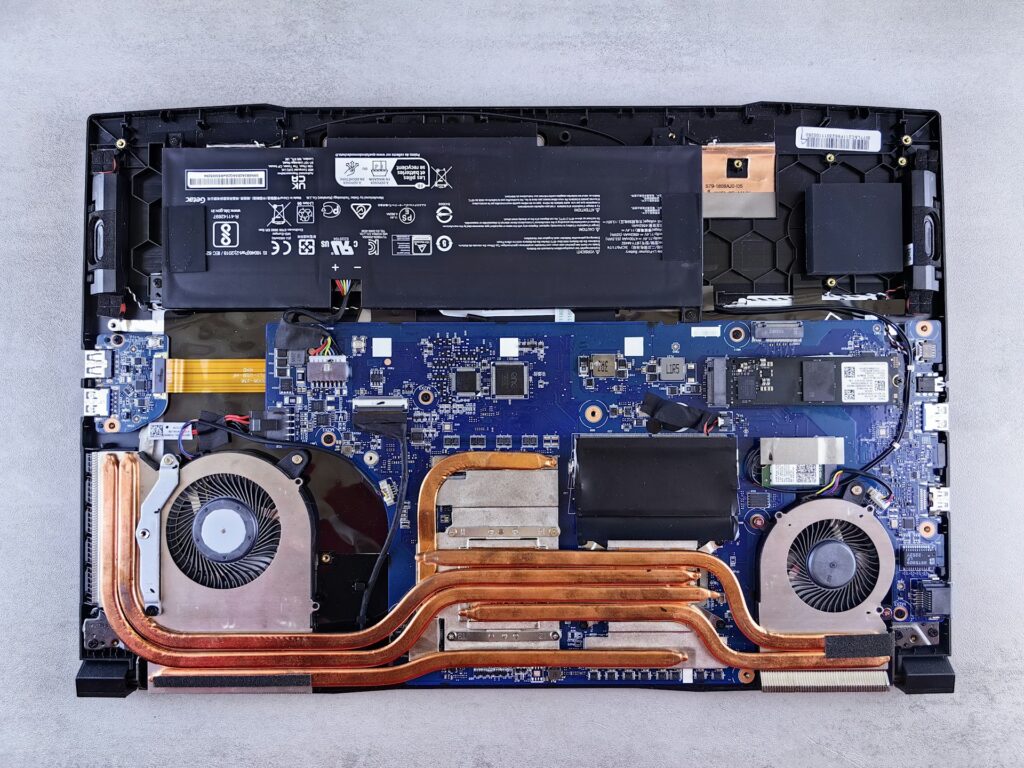
Thermal performance directly impacts how fast a laptop can sustain workloads. Poor cooling forces the processor to reduce its speed to prevent overheating, a process known as thermal throttling.
Efficient heat dissipation—through proper fan design, airflow, and internal layout—allows the system to maintain consistent performance under load. Laptops with good thermal design often outperform higher-spec models that struggle with heat.
5. Graphics Processing Capabilities
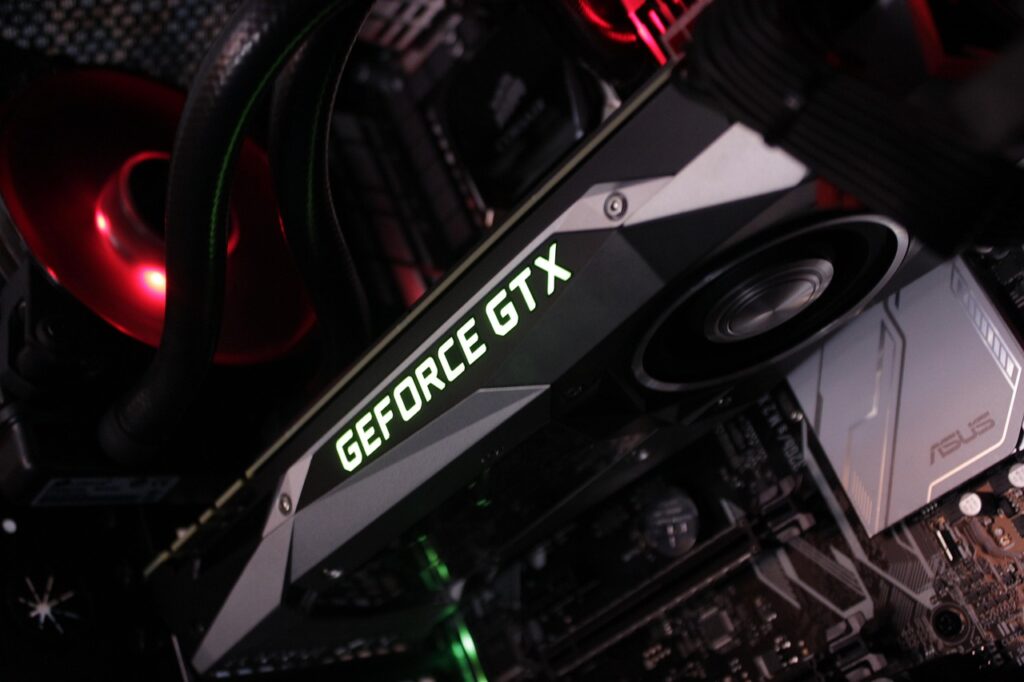
Graphics performance is essential not only for gaming but also for creative work, video playback, and even UI smoothness. Integrated graphics have improved significantly, but dedicated GPUs still provide a major advantage for demanding tasks.
Performance depends on GPU architecture, memory bandwidth, and software support. A balanced CPU–GPU combination ensures smoother visuals and better workload distribution.
6. Software Optimization and Operating System Efficiency

A well-optimized operating system can make a noticeable difference in laptop performance. Lightweight system services, efficient background task handling, and clean startup behavior reduce unnecessary load on hardware.
“For similar insights into future of AI & Smart Tools efficiency, see our detailed AI & smart tech.”
Laptops with minimal bloatware and properly configured drivers feel faster and more stable over time. Regular software updates also play a role in maintaining long-term performance.
7. Power Delivery and Battery Management

Power management affects how aggressively a laptop can use its hardware. Systems with robust power delivery maintain performance even when unplugged, while others significantly reduce speed to conserve battery.
Balanced power profiles allow laptops to deliver consistent performance without excessive heat or battery drain, improving both usability and longevity.
8. Long-Term Stability and Component Balance
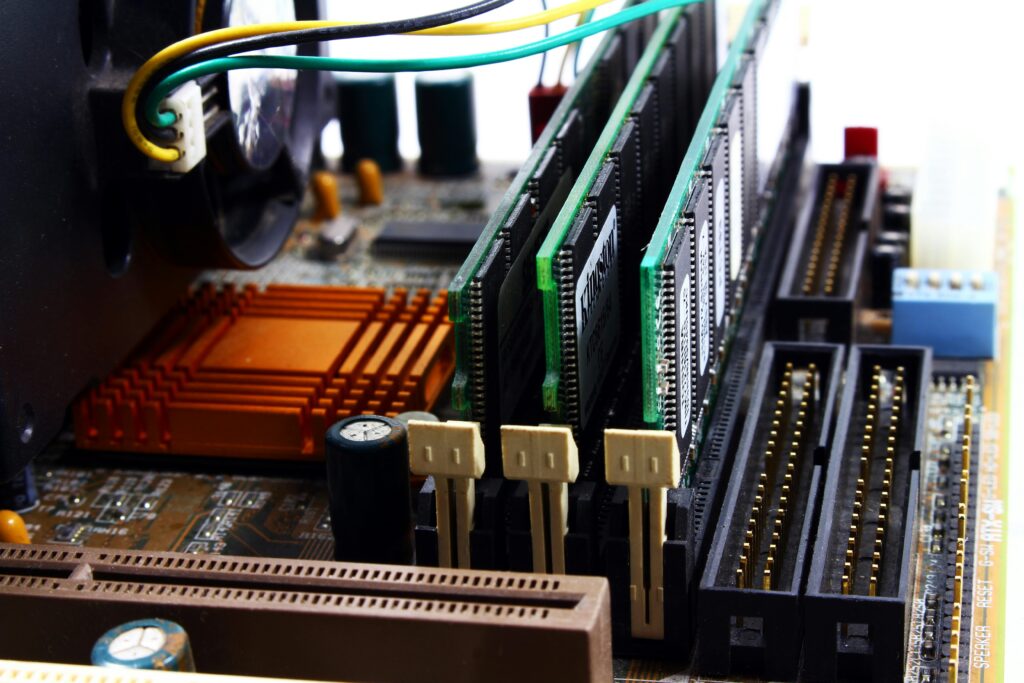
True laptop performance is defined by consistency over time. A well-balanced system avoids sudden slowdowns, overheating, or excessive fan noise after extended use.
When hardware components are properly matched and supported by efficient software, the laptop delivers reliable performance across everyday tasks, professional workloads, and extended sessions. In real-world usage, stability, efficiency, and balance are often what define laptop performance more accurately than raw specifications.
Conclusion

Laptop performance goes far beyond specifications listed on a product page. Processor design, memory optimization, storage speed, thermal management, and software efficiency all play equally important roles. Understanding these factors helps users make better purchasing decisions and set realistic expectations.
A truly fast laptop is one that delivers stable, responsive performance in real-world use, not just impressive numbers on paper. By focusing on what defines laptop performance, users can choose systems that deliver consistent results in everyday and professional workloads.