Subscription Software vs One-Time Purchase: Hidden Costs, Real Value & Long-Term Truth
Software pricing has changed dramatically over the last decade. What was once a simple one-time purchase has increasingly shifted toward recurring subscription models. From productivity tools and creative software to security and cloud services, users now face a critical decision: subscription software vs one-time purchase.
This article breaks down the real-world cost, ownership, flexibility, privacy, and long-term value of both models—without marketing bias—so users can decide what truly works for them in 2026.
What Is Subscription Software?
Subscription software (often called SaaS—Software as a Service) requires users to pay monthly or yearly fees to access the software.
Common examples include:
- Adobe Creative Cloud
- Microsoft 365
- Cloud-based antivirus tools
- AI-powered productivity platforms
Under this model, users do not own the software. Access continues only while payments remain active.
What Is a One-Time Purchase Model?
A one-time purchase (also known as a perpetual license) allows users to buy the software outright and use it indefinitely on supported systems.
Typical examples include:
- Older versions of Microsoft Office
- Standalone video editors
- Offline utilities and tools
Updates may be limited or optional, but core access never expires.
Cost Comparison: Short-Term vs Long-Term Reality
Subscription Software Costs
Subscriptions appear affordable initially:
- Low upfront cost
- Regular updates included
- Cloud integration
However, over time:
- Costs accumulate indefinitely
- Price increases are common
- Cancelation ends access—even to your own files in some cases
For example, creative professionals using subscription tools for 5–10 years often pay several times the cost of a traditional license.
Adobe’s subscription pricing model illustrates this long-term commitment clearly → https://www.adobe.com/creativecloud/plans.html
One-Time Purchase Costs
One-time software typically involves:
- Higher upfront cost
- Optional paid upgrades
- Longer usable lifespan without mandatory payments
Over several years, perpetual licenses often become more cost-effective, especially for users who don’t need frequent feature updates.
Ownership vs Access: The Core Difference
This is the most critical distinction in subscription software vs one-time purchase.
Subscription Model
- You rent access
- Software can be disabled remotely
- Vendor controls features, pricing, and availability
One-Time Purchase
- You own the license
- Software continues working offline
- No dependency on vendor servers
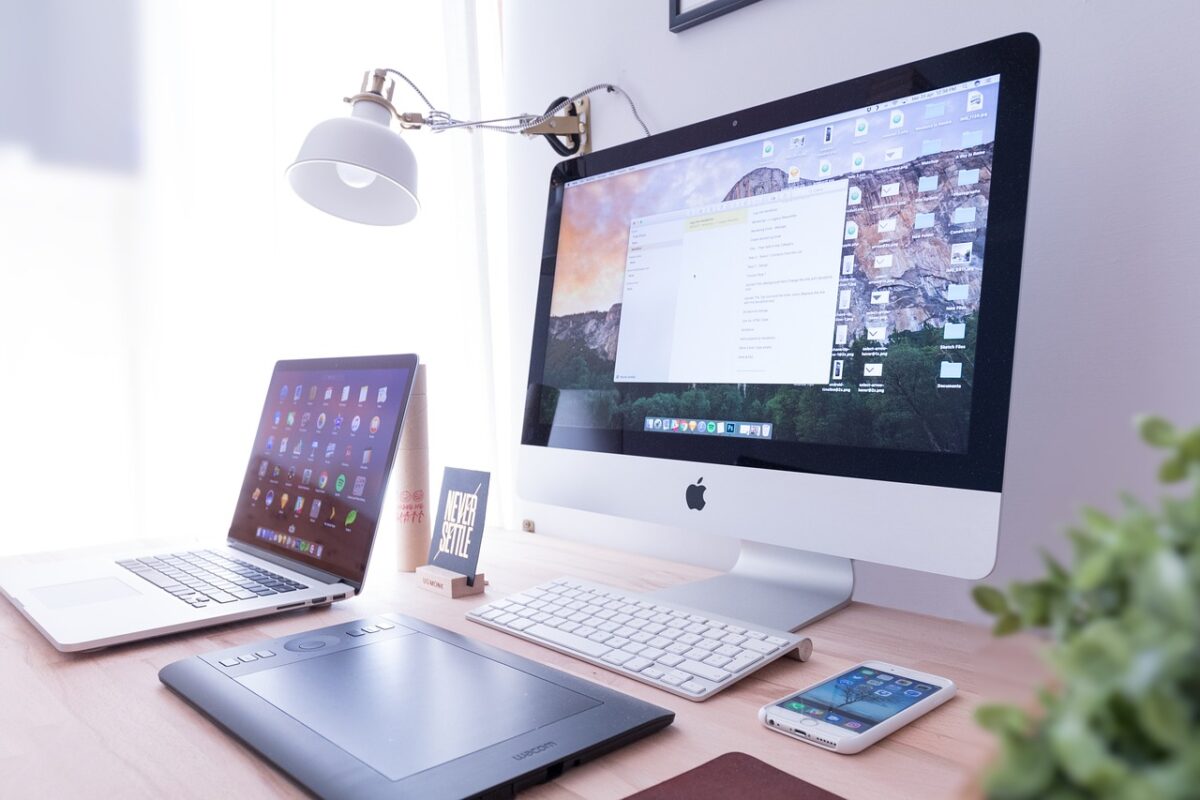
This difference mirrors broader platform control debates seen in operating systems and ecosystems, similar to those discussed in Windows vs macOS in 2026: Performance, Security, and Productivity Compared.
Update Cycles and Feature Control
Subscription Software
Pros:
- Continuous updates
- Security patches included
- New features delivered automatically
Cons:
- Forced UI changes
- Feature removals without user consent
- Learning curve resets
One-Time Purchase
Pros:
- Stable experience
- No surprise changes
- Full control over upgrades
Cons:
- Manual update management
- Potential compatibility issues over time
Users who prioritize workflow stability often prefer perpetual licenses, while fast-moving industries may favor subscriptions.
Privacy and Data Considerations
Subscription software frequently relies on:
- Cloud accounts
- Usage tracking
- Behavioral analytics
This raises privacy questions, especially when software continuously syncs user data.
Microsoft’s licensing and cloud service disclosures show how access and data usage are tied to subscription ecosystems → https://www.microsoft.com/licensing
One-time purchase software—especially offline tools—generally:
- Collects less data
- Works without constant authentication
- Reduces exposure to cloud-based tracking
Subscription Fatigue Is Real
Users today manage multiple subscriptions:
- Software
- Streaming platforms
- Cloud storage
- AI tools
This creates:
- Budget uncertainty
- Difficulty canceling unused services
- Long-term dependency on vendors
The issue becomes more pronounced when subscriptions overlap with hardware decisions, as discussed in Best Laptop vs Desktop in 2026: Smart Performance for Real Users.
Who Should Choose Subscription Software?
Subscription software makes sense for:
- Businesses needing collaboration tools
- Professionals requiring cutting-edge features
- Teams relying on cloud workflows
- Users who prefer predictable monthly expenses
It prioritizes convenience over ownership.
Who Should Choose One-Time Purchase Software?
One-time purchases are better for:
- Individual users
- Long-term projects
- Offline workflows
- Privacy-conscious users
- Cost-sensitive buyers
It prioritizes control, stability, and long-term value.
The Hybrid Reality in 2026
Many users now adopt a hybrid approach:
- Subscription tools for collaboration and cloud access
- One-time software for core productivity or creative tasks
This balance reduces risk while maintaining flexibility.
Final Verdict: Subscription Software vs One-Time Purchase
There is no universal winner.
- Subscription software offers convenience, frequent updates, and cloud integration—but at the cost of ownership and long-term expense.
- One-time purchase software delivers stability, control, and long-term savings—but with fewer updates.
The smartest choice depends on how long you plan to use the software, how much control you want, and how comfortable you are with recurring costs.
In 2026, informed users don’t blindly follow pricing trends—they choose software models that align with their real usage patterns.