How to Stop Thermal Throttling on Android & iPhone (2026): The Pro Guide to Sustained Performance
Quick Highlights – How To Stop Thermal Throttling
Thermal throttling is the silent performance killer of modern smartphones. One minute your phone feels like a flagship, the next it feels like a budget device — frame drops, camera lag, charging slowdown, and sudden stutters.
That’s not your phone “getting old.” It’s your processor protecting itself.
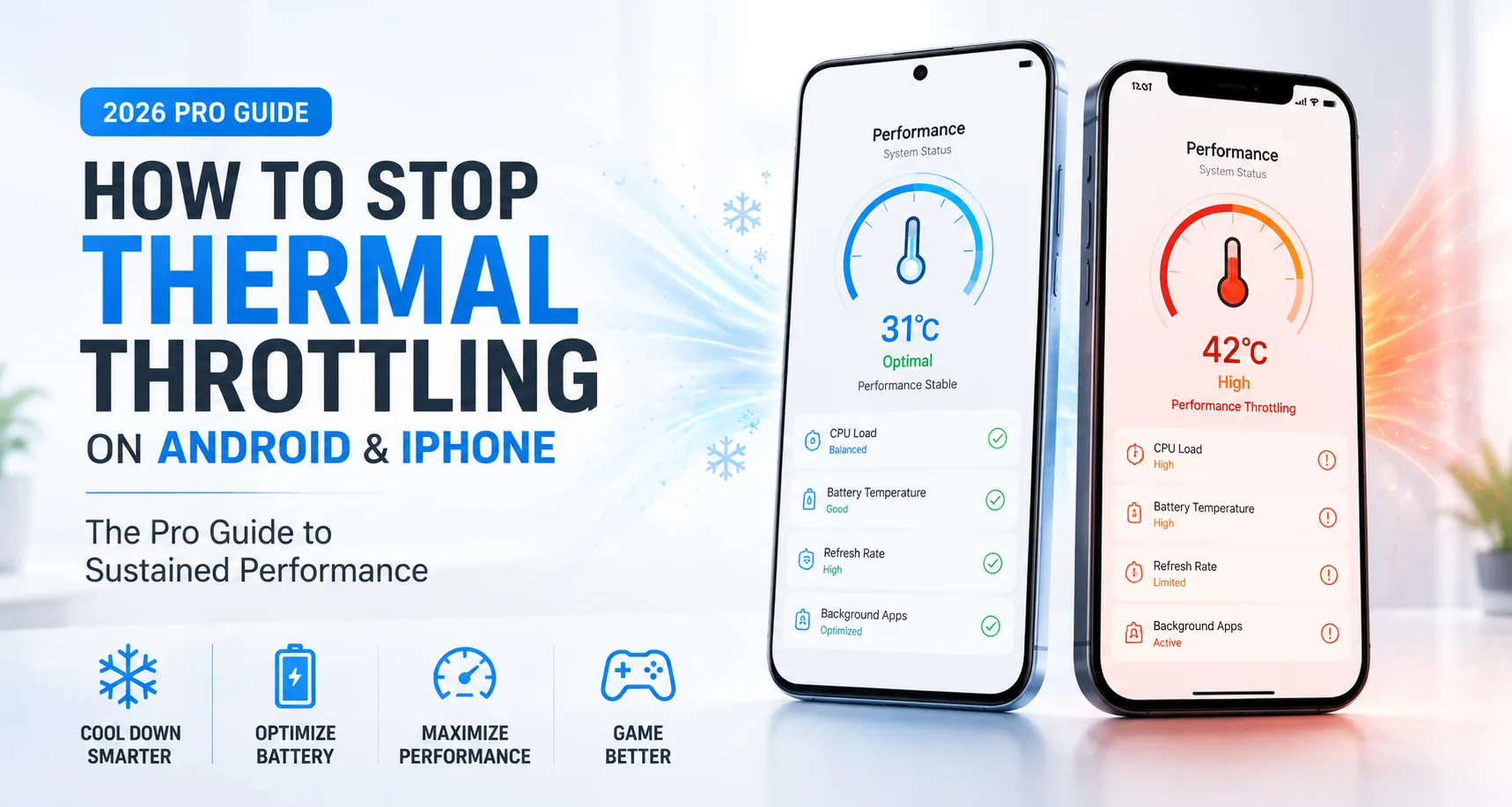
In 2026, thermal throttling is more common than ever because phones are thinner, chips are more powerful, and fast charging is pushing heat levels higher than what older designs ever dealt with. The good news is that most throttling is avoidable — and you don’t need risky apps or gimmicks to fix it.
This Lab guide explains the exact pro-level habits and settings that help Android and iPhone maintain sustained performance.
What Thermal Throttling Actually Means
Thermal throttling is when your phone automatically reduces CPU and GPU performance because internal temperatures cross a safety threshold. It is a built-in protection mechanism designed to prevent long-term damage to the battery, processor, and display.
This is why performance drops feel sudden. Your phone doesn’t gradually slow down — it hits a heat ceiling, and the system pulls power instantly.
It’s also why your phone feels normal again after cooling down. The processor isn’t weak. It’s just being forced into a lower-power mode.
How to Know If Your Phone Is Throttling (Not Just Lagging)
Thermal throttling usually has a clear pattern.
Your game runs smooth for the first 10–15 minutes, then FPS drops hard.
Your camera app becomes slow or stutters during 4K recording.
Charging speed suddenly slows down after 60–80%.
Brightness drops automatically even when auto-brightness is off.
The phone feels hot near the camera area or middle frame.
If these things happen repeatedly, you’re not facing a “bad phone.” You’re facing heat management limits.
Why Thermal Throttling Is Worse in 2026
Smartphones today are pushing laptop-level power in bodies that are slimmer than ever. That means heat has less space to spread.
On top of that, 2026 phones run heavier background systems such as AI features, camera processing pipelines, gaming optimisation engines, and adaptive charging algorithms. Even when you’re not doing much, the phone may still be working.
The biggest heat triggers remain the same: fast charging, gaming, navigation, hotspot use, and video recording — but the difference is that modern chips reach their limits faster because they’re designed to boost aggressively.
This is also why battery tech matters now. Silicon-carbon batteries enable massive capacities, but they are more sensitive to heat near full charge, which makes smart charging habits more important than ever. If you’re using a big-battery phone, your charging routine matters a lot — see Silicon-Carbon Phone Battery Guide (2026): Best Charging Settings to Reduce Heat and Protect Battery Health.
The Lab Protocol: How to Stop Thermal Throttling (Safely)
1. Remove the Case During Heavy Use
This sounds too simple, but it’s one of the biggest real-world fixes.
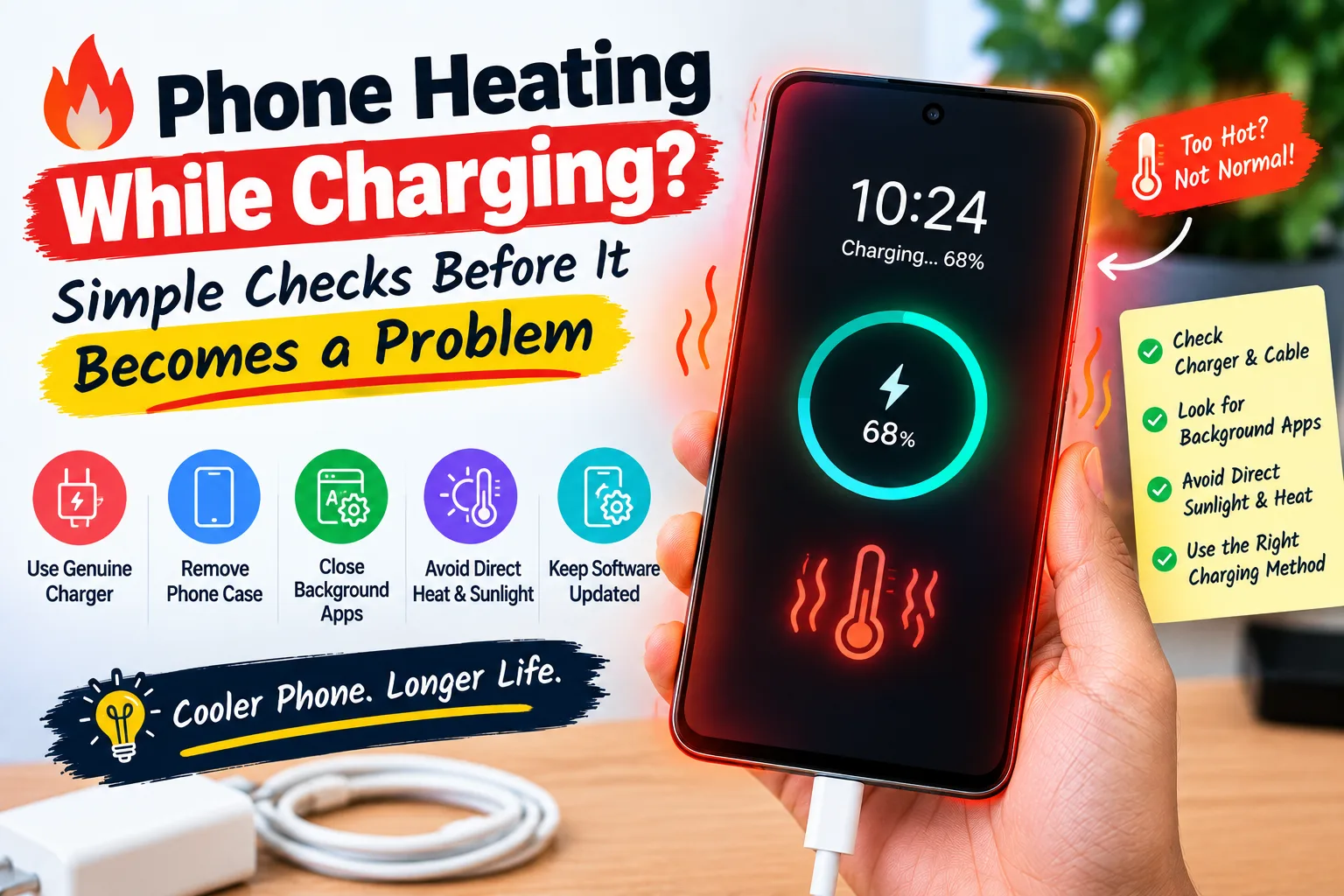
Thick silicone and rugged cases trap heat like insulation. Even premium cases can reduce airflow and stop heat from escaping properly. If you’re gaming, recording long videos, or fast charging, removing the case can improve stability instantly.
If your phone feels hot through the case, it’s already too warm internally.
2. Never Game While Fast Charging
If there is one habit that causes the most throttling complaints, it’s this.
Fast charging creates heat. Gaming creates heat. Combine both and your phone hits its thermal ceiling far faster than it should. Many users blame the phone, but the real problem is heat stacking.
If you want stable FPS, charge first, then play. Or play unplugged.
This also connects directly to battery wear. Fast charging is not “bad,” but it must be used in the right situations. If you want the complete truth behind charging speed and battery damage, read Fast Charging vs Slow Charging: When to Use Each and What Actually Damages Your Battery.
3. Lower Brightness (This Is a Real Performance Hack)
Display brightness is one of the biggest hidden heat sources.
High brightness increases power draw, and more power means more heat. If you’re gaming or recording video, keeping brightness around 60–70% can reduce temperature build-up enough to delay throttling significantly.
If you’re outdoors, your phone will throttle faster — not because of weak performance, but because it’s fighting both sunlight and heat.
4. Switch From 120Hz to 60Hz During Gaming
High refresh rate looks smoother, but it also increases load on the GPU and display pipeline.
Many phones throttle faster at 120Hz simply because the processor is being pushed harder continuously. If your phone allows refresh rate switching, use 60Hz during long gaming sessions or long video recording.
The performance may feel slightly less “fluid,” but FPS stability will usually improve.
5. Disable Performance Modes for Long Sessions
Gaming modes and performance boosters are designed for short bursts. They push the CPU and GPU hard to deliver impressive benchmarks and peak FPS.
The problem is that sustained load causes overheating faster, meaning the phone throttles sooner. The result is worse real-world performance after 20 minutes compared to balanced mode.
For long sessions, balanced mode often delivers better sustained performance.
6. Avoid Charging to 100% Before Heavy Use
This is a pro-level tip most people don’t realise.
A battery near 100% operates at higher voltage, which increases heat sensitivity. If you charge to 100% and immediately start gaming, your phone heats up faster and throttles sooner.
For heavy use days, the most stable range is usually 30% to 80%.
If your phone battery percentage behaves strangely or drops unpredictably, calibration can sometimes help too — see How to Calibrate Your Phone Battery in 2026: Fix Ghost Drain and Wrong Percentage (Android & iPhone).
7. Use Wi-Fi Instead of Mobile Data Whenever Possible
Mobile data produces more heat than Wi-Fi, especially in areas with weak signal. If you’re gaming, downloading large files, or using hotspot, your phone heats up significantly faster.
If your phone throttles during gaming, switching to Wi-Fi can sometimes improve stability more than changing graphics settings.
8. Don’t Use Cooling “Tricks” That Create Condensation
Putting your phone near ice packs or inside a fridge is not a hack — it’s risky.
Sudden cooling can create condensation inside the phone, which can damage internal components over time. The safest cooling method is simple airflow: place the phone on a table near a fan and stop using it for 5–10 minutes.
Android vs iPhone: Which Handles Heat Better?
Both throttle, but they throttle differently.
Android flagships usually deliver higher peak performance, but some models drop harder once they hit thermal limits. iPhones tend to throttle more smoothly, often reducing brightness and limiting performance gradually.
In real-world use, the phone that feels “faster” is often the one that manages heat better, not the one with the highest benchmark score.
When Thermal Throttling Is NOT Normal
Throttling during gaming is normal. Throttling during light usage is not.
If your phone overheats while scrolling social media, browsing, or idle charging, the issue may be deeper. It could be a battery fault, software bug, or a rogue app running constantly in the background.
If overheating started after an update, check battery usage stats before assuming hardware damage.
The Verdict
Thermal throttling is not a flaw — it’s your phone protecting itself. But in 2026, many users trigger it unnecessarily with habits like gaming while fast charging, using thick cases, and pushing brightness and refresh rate to the maximum.
The fix is not complicated. Keep the phone cooler, avoid heat stacking, and don’t force extreme performance modes unless you truly need them.
Quick takeaway:
Do these, and your phone will feel faster for longer — without damaging battery health.
No. It prevents damage. It’s the safety mechanism.
Because heat builds slowly, then performance drops once the phone hits its temperature limit.
Yes. Heat escapes faster, and sustained performance improves.
Fast charging creates heat, but the real issue is combining it with gaming or poor airflow.
No. Apps cannot remove heat. Only airflow and lower load can.