YouTube Likeness Detection Tool Rolls Out to All Adult Creators: Deepfake Tracking Gets Serious
Quick Highlights
YouTube is preparing to roll out its long-awaited Likeness Detection feature to a much wider creator base, expanding access to all eligible creators aged 18 and above. The tool is designed to help creators detect AI-generated deepfake videos that visually imitate them — and gives them an easier way to report unauthorised impersonation content directly inside YouTube Studio.

The rollout marks one of YouTube’s biggest platform-level moves so far against synthetic identity misuse, at a time when deepfake creation tools are becoming cheaper, faster, and far more convincing.
Unlike traditional reporting systems that rely on users finding deepfakes manually, YouTube’s system works in the background, automatically scanning uploaded videos for AI-generated likeness matches.
What Is YouTube’s Likeness Detection Tool?
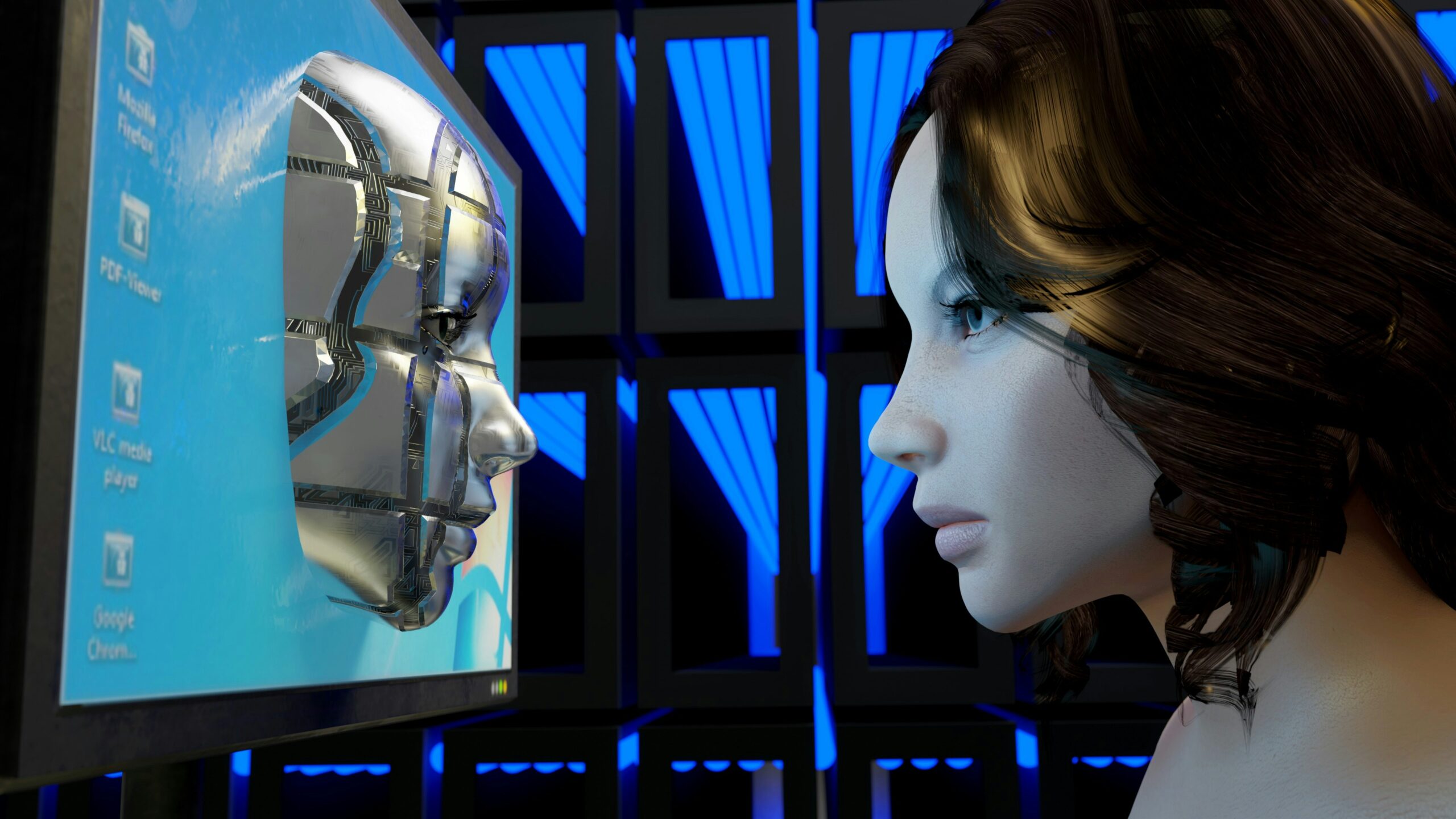
YouTube’s Likeness Detection tool is an AI-powered safety feature designed to identify videos uploaded on the platform that appear to contain synthetically generated versions of a creator’s face or appearance.
In simple terms: if someone uploads a deepfake that looks like you, YouTube’s system may flag it and show it inside your creator dashboard — allowing you to review the content and report it if it violates YouTube’s privacy guidelines.
YouTube calls this an “industry-first tool” because it focuses specifically on helping creators manage AI misuse involving their identity.
This move aligns with the broader trend we’re seeing across tech platforms, where AI-powered features are becoming more useful — but also more invasive. That debate is also growing in areas like finance tools, as discussed in ChatGPT’s New Finance Feature Could Be Powerful — But It Requires Bank Access.
Who Will Get Access to the Feature?
According to YouTube, the Likeness Detection tool will soon be available to:
All eligible creators who are 18 years or older
Earlier, access was limited to select YouTube Partner Programme creators, and later expanded to government officials and journalists. Now, YouTube is widening the rollout to cover far more users, which is a significant shift because deepfake impersonation is no longer just a celebrity problem — even mid-size creators are increasingly targeted.
Where to Enable Likeness Detection in YouTube Studio
Once the feature is available for a creator’s channel, it can be enabled using YouTube Studio on desktop.
The option will appear inside:
YouTube Studio → Left Menu → Content detection → Likeness
Creators will see a Start now button, which begins the setup process.
During activation, YouTube will request permission to run the likeness detection system for your channel. The process also includes a one-time verification step where the creator verifies facial features so the tool can more accurately identify synthetic matches.
For official details, YouTube has outlined the feature rollout on its own support documentation: YouTube Help – Likeness Detection.
How the Tool Detects Deepfakes
Once enabled, the feature runs automatically in the background. YouTube’s algorithm scans uploaded videos across the platform to detect content that includes a creator’s synthetic likeness.
If the system detects a match, creators will see results inside the Likeness section of the Content detection dashboard.
If nothing appears, YouTube notes that it could simply mean no deepfake content has been detected so far — not that the tool isn’t working.
This kind of background scanning is becoming a major theme in modern platforms, whether it’s deepfake detection, recommendation engines, or even contextual AI search tools like the one explained in Netflix AI Voice Search Guide: 7 Easy Steps to Use the New Smart Feature.
The Most Important Limitation: No Voice Deepfake Detection
YouTube has confirmed one major gap in this system: it only detects visual likeness.
That means the tool will not catch:
- AI voice cloning
- synthetic audio impersonation
- voice-only scams using a creator’s tone and accent
This matters because voice cloning is arguably the fastest-growing impersonation method today, especially in fake interviews, scam Shorts, and misleading “AI podcast” style clips.
So while this feature is a strong start, creators who are targeted through voice deepfakes will still need to rely on manual reporting and privacy complaints.
Why This Rollout Matters Right Now
YouTube is not rolling this out randomly — it is responding to a real shift happening on the internet.
AI impersonation content is now being used for:
- misinformation campaigns
- reputation damage
- fake endorsements
- scams and fraud targeting viewers
- fake “creator clips” reposted for engagement farming
For creators, the most frustrating part has always been discovering deepfakes too late — after they’ve already gone viral. YouTube’s goal is to reduce that delay by making detection proactive rather than reactive.
It also signals something important: YouTube is now treating AI impersonation as a platform-wide risk, not just a content moderation problem.
The same pressure is hitting other major tech ecosystems as well, including wearables, where privacy concerns remain a key issue even in feature upgrades like Meta Ray-Ban Display Gets a Major Upgrade: Neural Handwriting Rolls Out to All Users, Developers Can Build Apps.
What Creators Can Do If They Find a Deepfake
If a creator finds unauthorised deepfake content through the dashboard, YouTube says the system provides a straightforward path to request removal, especially when the video violates privacy rules.
The key advantage is that creators no longer need to stumble upon impersonation content through random viewer comments — they can actively monitor it from their own Studio panel.
However, the effectiveness of this system will depend heavily on how accurate YouTube’s AI matching is, and how quickly enforcement happens after a report is filed.
TechularZtrix Take
YouTube’s Likeness Detection tool is one of the more meaningful AI safety rollouts we’ve seen in recent months — not because it’s flashy, but because it addresses a growing problem that creators are already dealing with.
It won’t solve everything. The lack of voice deepfake detection is a serious limitation, and AI impersonation is evolving quickly.
Still, giving creators a built-in detection dashboard is a strong move, and it sets a clear direction: YouTube wants AI misuse to be manageable from inside the creator ecosystem, not something users fight manually across the internet.
If YouTube expands this tool to include voice cloning detection in the future, it could become one of the most important creator-protection features on the platform.