Google’s New App Icons Are Rolling Out: A Clearer, More Distinct Visual Identity Across Apps
Quick Highlights
Google has started rolling out a refreshed set of app icons across its ecosystem, improving one of the most widely criticized design decisions it made in recent years. The update brings clearer visual differentiation to core apps like Gmail, Drive, Calendar, Meet, and others, which previously shared a heavily simplified, color-outline style that many users found difficult to distinguish at a glance.
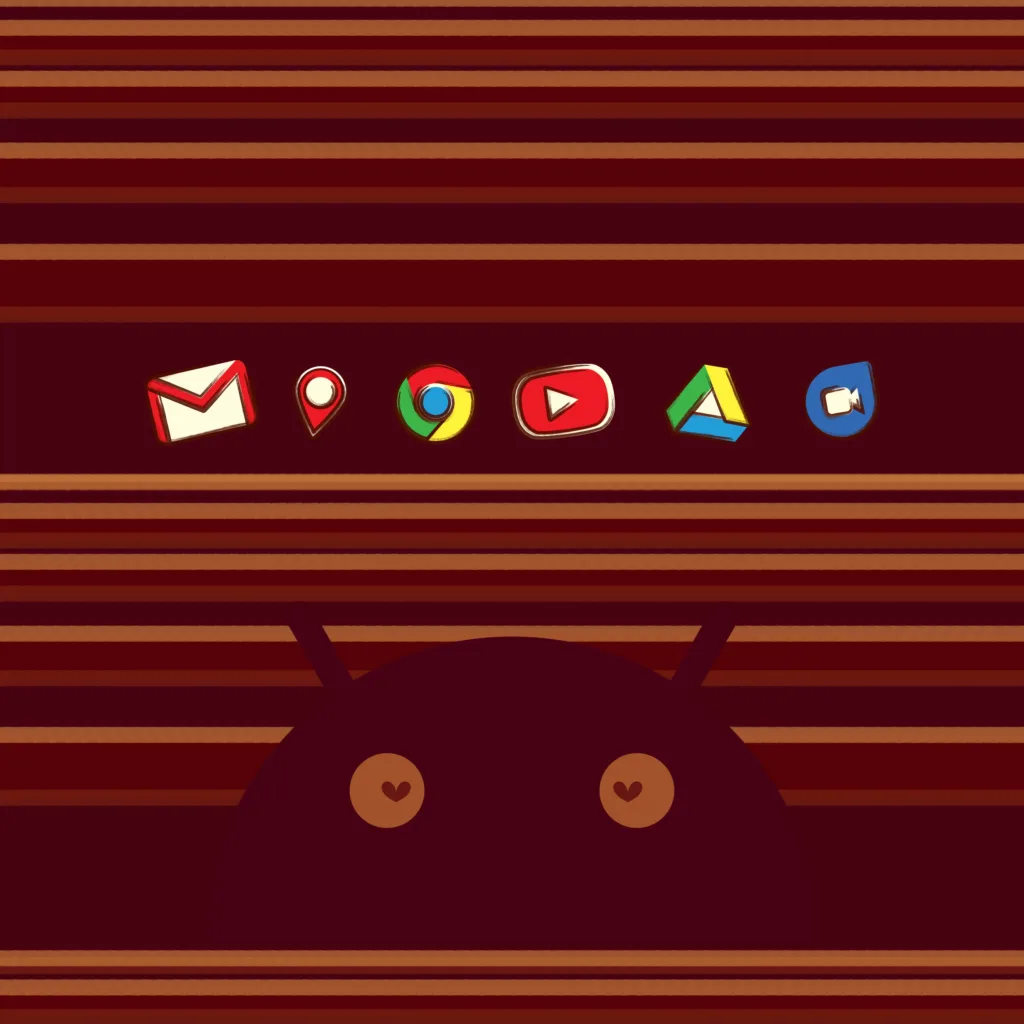
This redesign appears to be rolling out gradually across platforms, with early sightings already reported in Gmail and select Google apps on mobile devices.
Google Fixes a Long-Standing Design Problem
Around five years ago, Google introduced a unified redesign across its app ecosystem, shifting all major icons into a simplified four-color outline system. While visually consistent, the approach removed many of the unique identity markers that previously helped users quickly recognize apps.
Apps like Google Docs, Drive, Meet, and Calendar began to look increasingly similar, especially at smaller sizes on mobile devices. The result was a cleaner but less practical interface — something that drew consistent criticism from users and designers alike.
The latest update appears to correct that imbalance by reintroducing stronger visual cues while still maintaining Google’s signature color language.
What’s Changing in the New Icons
Early versions of the redesigned icons suggest a return to more expressive shapes and depth, rather than flat outlines. The goal seems to be improving recognition speed without abandoning Google’s unified design system.
A notable example is the earlier redesign of Google Maps, which introduced more dimensional styling while retaining the familiar pin motif. That approach now appears to be expanding across the full app suite.
The changes are not yet fully deployed everywhere, but users have already reported seeing updated icons in the Gmail app switcher and across multiple devices, including iOS.
Rollout Still in Progress
The update is currently in a staggered rollout phase, meaning not all users will see the changes at the same time. Some apps still display the older icon set, while others have already transitioned to the new designs.
This kind of phased deployment is typical for Google, allowing the company to test visual consistency and user response before completing a global rollout.
Given the timing, more details are likely to be shared during Google I/O 2026, where Google traditionally highlights design system changes alongside product updates.
For context on broader platform shifts happening across tech ecosystems, Google’s design update aligns with a wider industry push toward more usable AI-first interfaces, similar to developments discussed in Meta AI Layoffs: 7,000 Employees Reassigned as 8,000 Jobs Face Massive Cuts in Restructuring Shift, where companies are restructuring both products and teams around efficiency and clarity.
Why This Redesign Matters
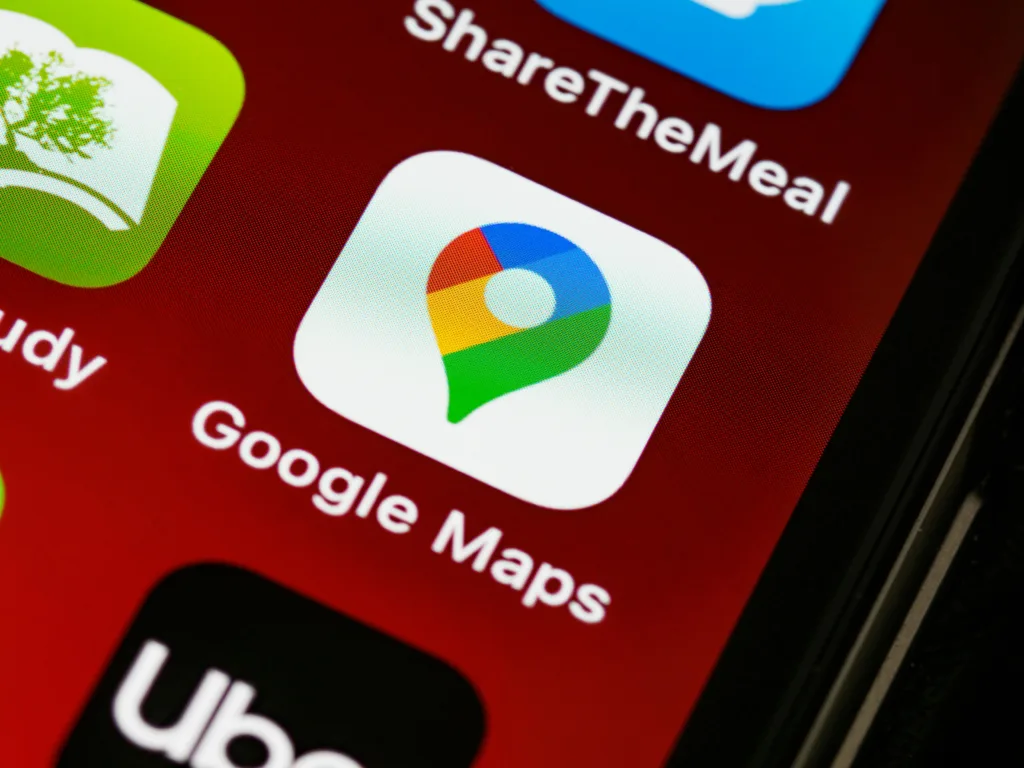
While icon changes may seem minor, they directly affect daily usability. Google apps are used by billions of people, and even small improvements in recognition speed can significantly improve workflow efficiency.
This redesign also reflects a broader shift in Google’s design philosophy — balancing visual consistency with functional clarity, rather than prioritizing branding uniformity alone.
TechularZtrix Take
Google’s earlier icon redesign prioritized minimalism, but in doing so reduced usability at scale. This new direction suggests a correction toward practical design — where recognition speed matters as much as visual consistency.
If the rollout continues as expected, this could become one of the more quietly important UX improvements across Google’s ecosystem in recent years.
The redesign aligns with Google’s broader design direction under its Material Design system, which continues to evolve with more expressive UI patterns.