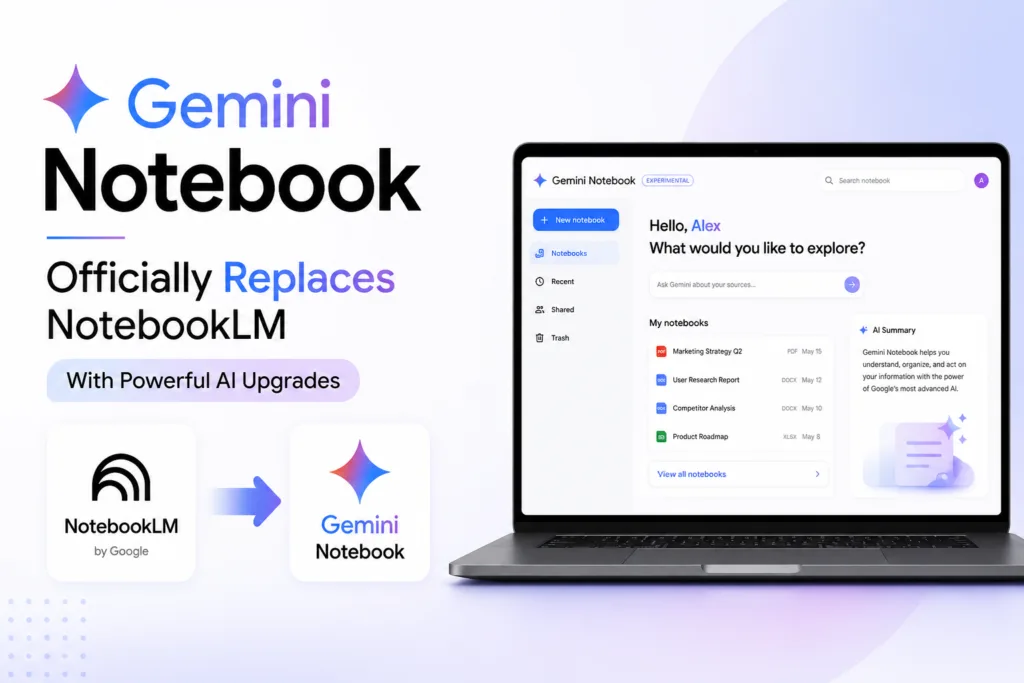
Google Rebrands NotebookLM as Gemini Notebook, Brings Gemini 3.5 Upgrade and AI Mode Integration
Gemini Notebook interface showcasing AI-powered research, cloud analysis, and Google ecosystem integration.
NEURAL ANALYSISEXPLORE
 TECHULARZTRIXTMPrecision Technology Editorial
TECHULARZTRIXTM
Managing email and keeping track of appointments can quickly become time-consuming when information is spread across different apps. OpenAI is addressing that problem by bringing iCloud Mail and iCloud Calendar into ChatGPT through two dedicated integrations.
TechularZtrixEDITORIAL DESK · UPDATED 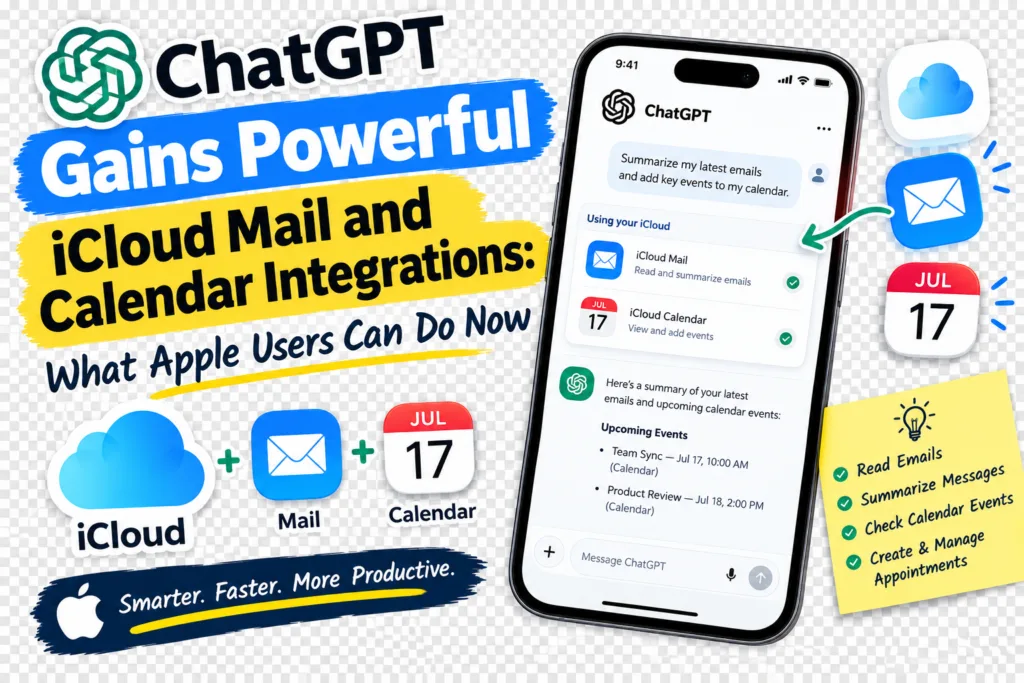
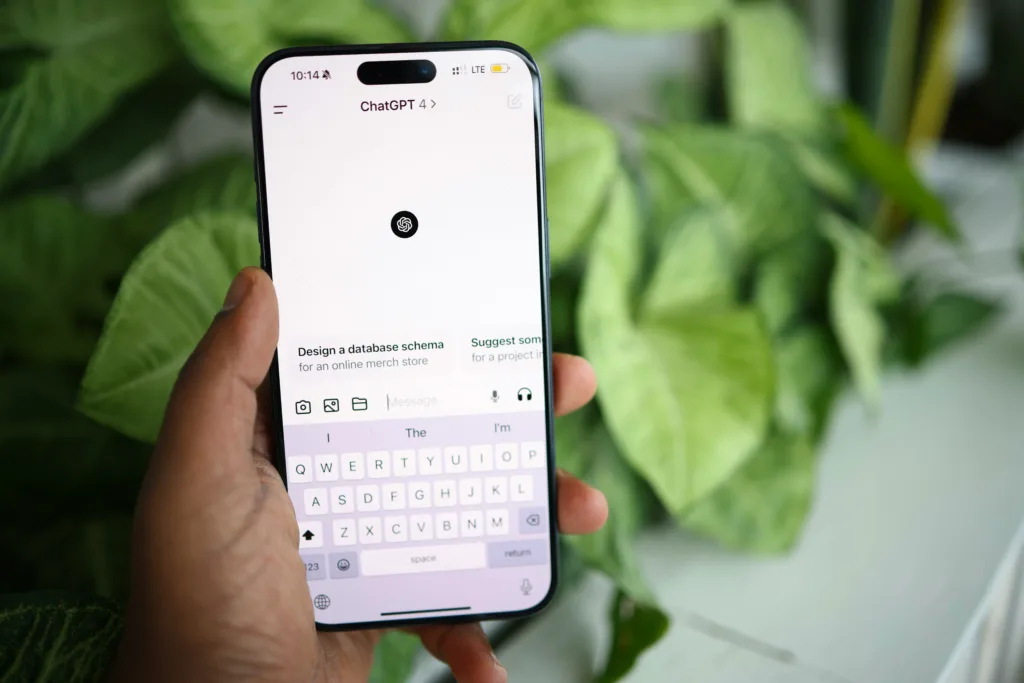
Managing email and keeping track of appointments can quickly become time-consuming when information is spread across different apps. OpenAI is addressing that problem by bringing iCloud Mail and iCloud Calendar into ChatGPT through two dedicated integrations.
Announced on October 27, the additions allow eligible users to bring supported email and scheduling tasks into their ChatGPT conversations. Instead of manually searching through an inbox or opening a calendar to locate an appointment, users can ask ChatGPT to retrieve relevant information and help organise their day.
The announcement is significant for Apple users who rely on iCloud for personal communication and scheduling but also use ChatGPT for research, planning and everyday productivity.
The integrations do not replace Apple’s Mail or Calendar apps. Instead, they give ChatGPT an additional way to work with information stored in those services, subject to the permissions and capabilities of the connected account.
The two integrations cover different parts of everyday organisation, and each needs to be connected independently.
With iCloud Mail connected, users can ask ChatGPT to find particular messages, retrieve details from an email or summarise unread messages. This could be useful when looking for a booking confirmation, checking a delivery update or catching up on correspondence after a busy day.
The integration also supports email-management actions, including working with messages and drafts and sending emails where the relevant action is available. Users should review recipients and message content before approving any action that sends a message.
There is an important distinction between an iCloud account and the Mail app on an iPhone. Connecting iCloud Mail does not automatically grant ChatGPT access to every account configured in Apple’s Mail app. The integration is intended for the connected iCloud mailbox.

The Calendar integration brings supported scheduling tasks into ChatGPT. Users can ask what is coming up, find relevant events and work with calendar entries without searching manually through their schedule.
Depending on the available permissions and actions, ChatGPT can also create or update calendar events. That could help when organising appointments, adjusting a meeting or turning information from an email into a calendar entry.
For example, a user could locate an appointment confirmation in a connected mailbox and use the relevant details to organise a calendar event. Any changes should still be checked for the correct date, time and calendar before they are finalised.
The integration is designed to reduce the steps involved in everyday planning, rather than eliminate the need to review important scheduling details.
OpenAI says the iCloud Mail and Calendar integrations are available across Free, Go, Plus and Pro plans, with support for the web, desktop app and iOS. Availability can still depend on the rollout, region, account configuration and any workspace restrictions.
The two services are separate connections. Users who want both email and calendar functionality need to set up each one individually.
To get started, open ChatGPT’s settings, navigate to Plugins or the connected-apps section shown in your interface, and look for iCloud Mail or iCloud Calendar. Follow the prompts to connect the relevant Apple account and review the requested permissions.
For setup guidance, consult OpenAI’s official instructions for connecting and managing app accounts.
Connecting iCloud requires an Apple app-specific password rather than the regular password used to sign in to an Apple Account.
For Mail, users need their iCloud email address ending in @icloud.com, @me.com or @mac.com. Calendar uses the primary Apple Account email address, which may be different from the email address used for iCloud Mail.
Users should generate the required password through Apple’s account security process and enter it only in the appropriate connection form. Never share it in a ChatGPT conversation.
Connecting an email account or calendar gives an AI assistant access to potentially sensitive personal information. That makes permission management an important part of the rollout.
Before connecting either service, users should review the permissions requested during setup and understand which actions the integration supports. Email can contain financial correspondence, travel details, account notifications and private conversations, while calendars can reveal routines, appointments and meeting participants.
ChatGPT’s access depends on the connected account, granted permissions and the actions available to that integration. Connecting Mail does not automatically connect Calendar, and disconnecting one service does not necessarily disconnect the other.
Users can review or disconnect their connections through ChatGPT’s settings. Disconnecting an account stops future access through that connection, but it does not automatically delete existing conversations or other information already saved in ChatGPT.
For sensitive tasks, users should verify important details before sending an email or modifying a calendar event. A mistaken recipient, incorrect meeting time or unintended change can have real consequences.
The iCloud integrations extend a broader shift in ChatGPT from answering questions to working with information held in connected services.
Previously, users might have needed to locate an email manually, copy its contents into a conversation and then provide calendar details separately. Connected access can reduce that manual work by allowing ChatGPT to retrieve relevant information from authorised services.
The practical benefit is not simply that ChatGPT can read an inbox. It is that information from emails and schedules can be used together to support planning, prioritisation and follow-up tasks.
Apple users who already depend on iCloud may find this especially useful for managing personal appointments and everyday correspondence. However, the actual experience will depend on the capabilities available to their connected accounts and the ChatGPT interface they use.
The integrations also bring ChatGPT closer to the connected-app experiences already available for services such as Gmail and Outlook, giving users more flexibility over which information sources they use.
for more about chatgpt read – ChatGPT’s New Finance Feature Could Be Powerful — But It Requires Bank Access
For now, the integrations are a useful addition for people who regularly use ChatGPT alongside Apple’s email and calendar services. They are best treated as productivity tools that still require sensible permission management and human review.
Gemini Notebook interface showcasing AI-powered research, cloud analysis, and Google ecosystem integration.
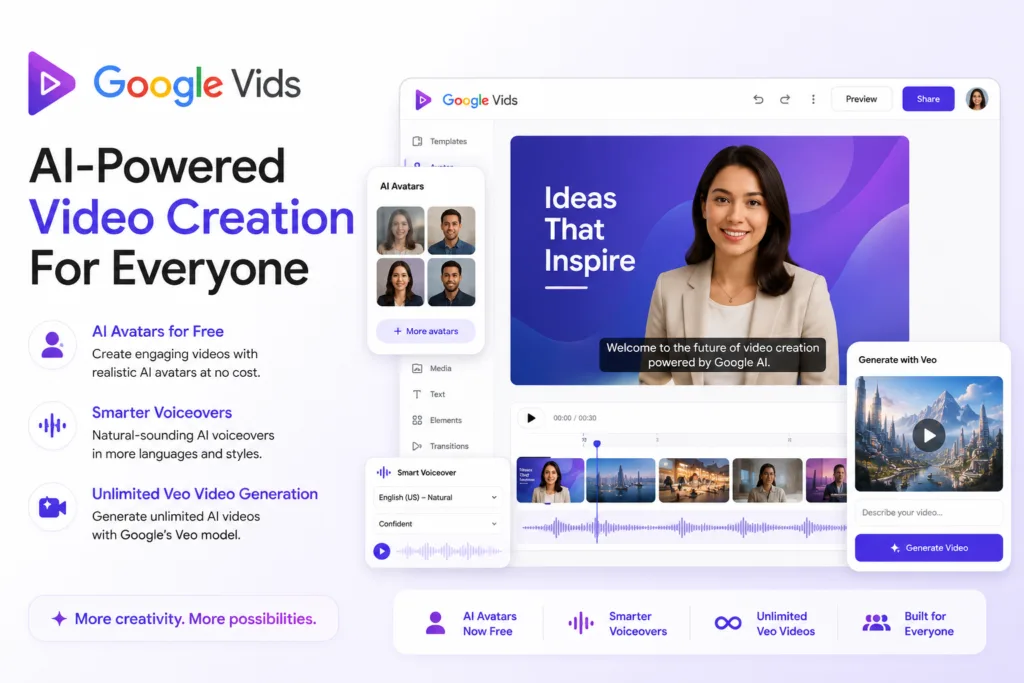
Google is expanding access to one of its fastest-growing Workspace tools. The company has announced that AI avatars in Google Vids are…
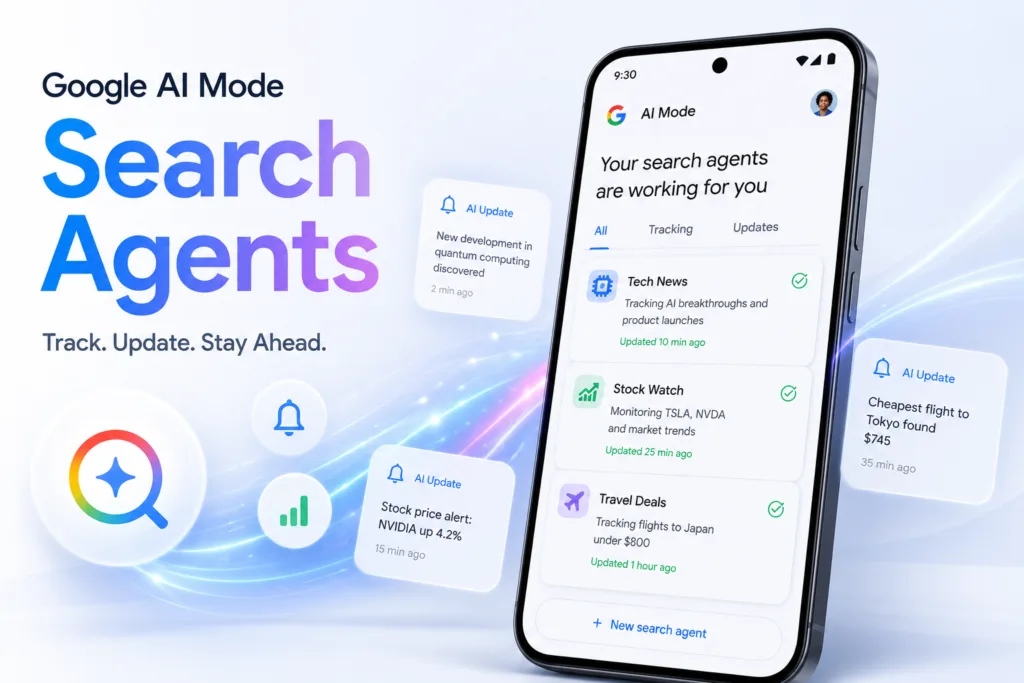
Google is taking another major step toward making Search more proactive.