Storage Solutions Explained: The Smart Truth About SSDs, External Drives, and Cloud Storage in 2026
Storage solutions play a critical role in how laptops perform, how reliably data is protected, and how efficiently users work across devices. Yet many buyers still evaluate storage based only on capacity numbers, without understanding how different storage types affect speed, durability, backups, and daily workflow.
In 2026, storage is no longer just about where files are saved. It directly impacts system responsiveness, application performance, data safety, and even battery efficiency. This article explains how modern storage solutions actually work, where each option fits best, and how to choose the right combination without wasting money or compromising reliability.
Internal SSDs: The Performance Backbone of Modern Laptops
Internal solid-state drives (SSDs) are the primary storage component inside most laptops today. Unlike older hard drives, SSDs have no moving parts, which makes them significantly faster, quieter, and more durable.
Why Internal SSDs Matter Most?
The internal SSD directly affects:
- Boot times
- Application launch speed
- File transfers
- Overall system responsiveness
In real-world usage, upgrading from a slow drive to a fast SSD delivers a more noticeable performance improvement than most CPU or RAM upgrades.
SATA vs NVMe SSDs
Modern laptops primarily use NVMe SSDs, which connect directly to the motherboard through PCIe lanes. Compared to older SATA SSDs, NVMe drives offer:
- Much higher read/write speeds
- Lower latency
- Better performance under multitasking
While SATA SSDs are still usable for basic tasks, NVMe has become the standard for productivity, creative work, and long-term usability. The internal SSD directly affects boot times, application launch speed, file transfers, and overall system responsiveness.
Storage Capacity vs Real-World Usability
Many users overestimate how much internal storage they need while underestimating how quickly it fills up. Operating systems, applications, updates, and cached files consume space continuously.
In 2026:
- 512GB is the practical minimum for most users
- 1TB is ideal for professionals, students, and creators
- Anything below 512GB often leads to early reliance on external storage
Storage capacity should be planned around workflow, not just file size.
External Storage Drives: Flexibility Without Compromise
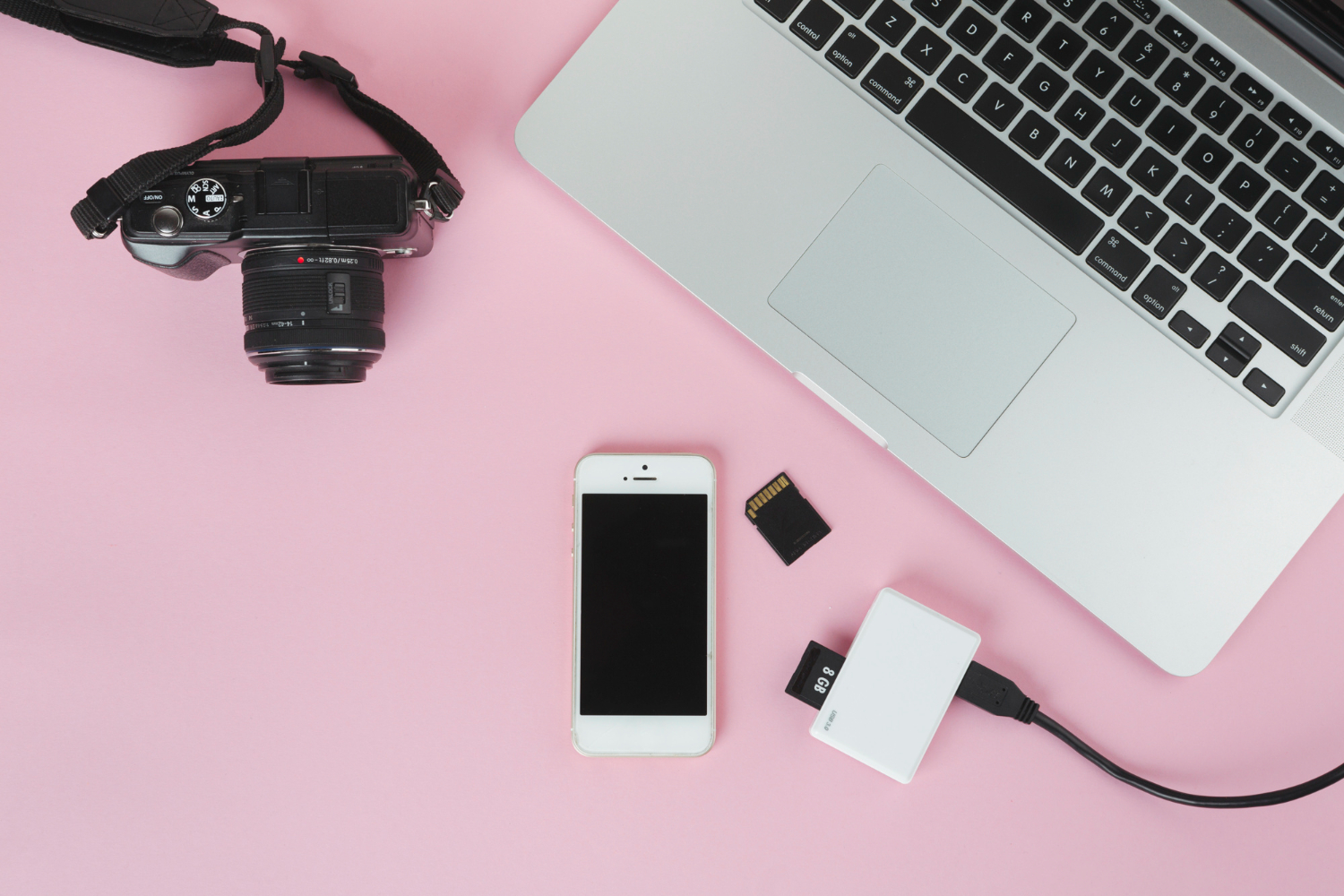
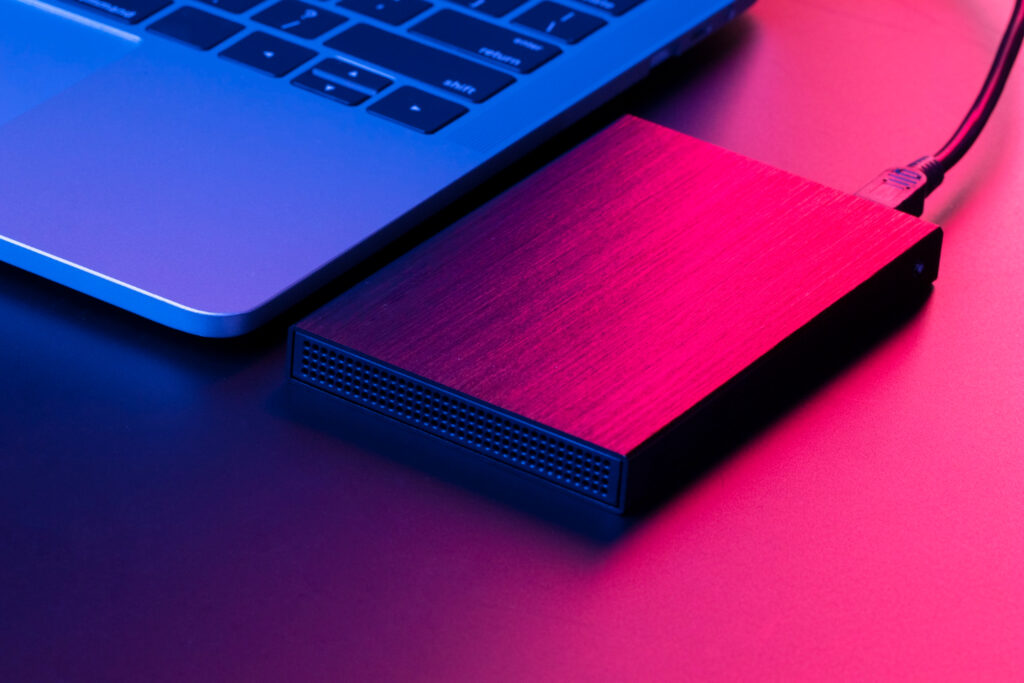
External drives remain one of the most practical storage solutions for expanding capacity, backing up data, and moving files between systems.
External SSDs vs External Hard Drives
External SSDs offer:
- Faster transfer speeds
- Better shock resistance
- Silent operation
External hard drives still exist primarily for:
- Large archival storage
- Low-cost backups
For active workflows, external SSDs connected via USB-C or Thunderbolt provide performance close to internal drives, making them suitable for editing, project storage, and fast backups.
Connection Standards Matter
The performance of external storage depends heavily on interface standards such as:
- USB 3.2 Gen 2
- USB4
- Thunderbolt
A fast drive connected to a slow port will never reach its potential. Storage and ports must be evaluated together.
Cloud Storage: Convenience, Not a Replacement
Cloud storage has matured significantly, but it is still frequently misunderstood. Services like cloud drives are designed for accessibility and synchronization, not raw performance.
What Cloud Storage Does Well
Cloud storage excels at:
- File syncing across devices
- Collaboration
- Off-site backups
- Disaster recovery
It ensures data availability even if a device is lost or damaged.
Where Cloud Storage Falls Short
Cloud storage cannot replace local storage because:
- Performance depends on internet speed
- Large files take time to upload and download
- Offline access is limited
For most users, cloud storage works best as a secondary layer, not a primary workspace.
Backup Strategy: The Most Overlooked Storage Decision
Choosing storage solutions without a backup plan is one of the most common mistakes users make. Storage devices can fail, be lost, or become corrupted.
A reliable backup strategy typically includes:
- Local backups using external drives
- Off-site backups using cloud storage
This layered approach ensures data protection without sacrificing performance.
Workflow-Based Storage Combinations That Make Sense
No single storage solution is sufficient for modern workflows. The most effective setups combine multiple storage types.
A balanced setup in 2026 often looks like:
- Fast internal NVMe SSD for OS and applications
- External SSD for projects and active files
- Cloud storage for backups and synchronization
This approach maximizes speed, reliability, and flexibility without unnecessary cost.
Storage Reliability and Longevity Considerations
Storage is not only about speed and capacity. Reliability matters just as much.
Factors that influence long-term reliability include:
- NAND quality
- Heat management
- Write endurance
- Firmware stability
Internal SSDs benefit from better thermal integration, while external drives require proper handling and quality enclosures.
Common Storage Myths That Still Mislead Users
Despite better information availability, several myths persist:
- Higher capacity always means better performance
- Cloud storage eliminates the need for backups
- External drives are always slower than internal drives
In practice, performance and reliability depend on how storage is used, not just what type it is.
Key Takeaways:
Modern storage solutions are about balance, not extremes. Internal SSDs define system speed and responsiveness, external drives provide flexibility and expansion, and cloud storage adds resilience and accessibility.
The most effective setups combine these options strategically rather than relying on a single solution. Understanding how storage affects workflow, reliability, and long-term usability leads to smarter purchasing decisions and fewer performance bottlenecks over time.
In 2026, storage is no longer a background specification—it is a core component of how efficiently and safely users work every day.