
 WhatsApp Lab
WhatsApp Web Not Syncing on Chrome? Complete Troubleshooting Guide for 2026
If WhatsApp Web is not syncing on Chrome, don't immediately unlink every device or reinstall WhatsApp on your phone. The problem can…
VERIFIED PROCEDUREEXECUTE
 TECHULARZTRIXTMPrecision Technology Editorial
TECHULARZTRIXTM
Seeing a single gray tick beside a WhatsApp message can be confusing, especially when it stays there for hours. It is easy to assume the recipient has ignored you, blocked you or that WhatsApp itself is broken.
TechularZtrixEDITORIAL DESK · UPDATED 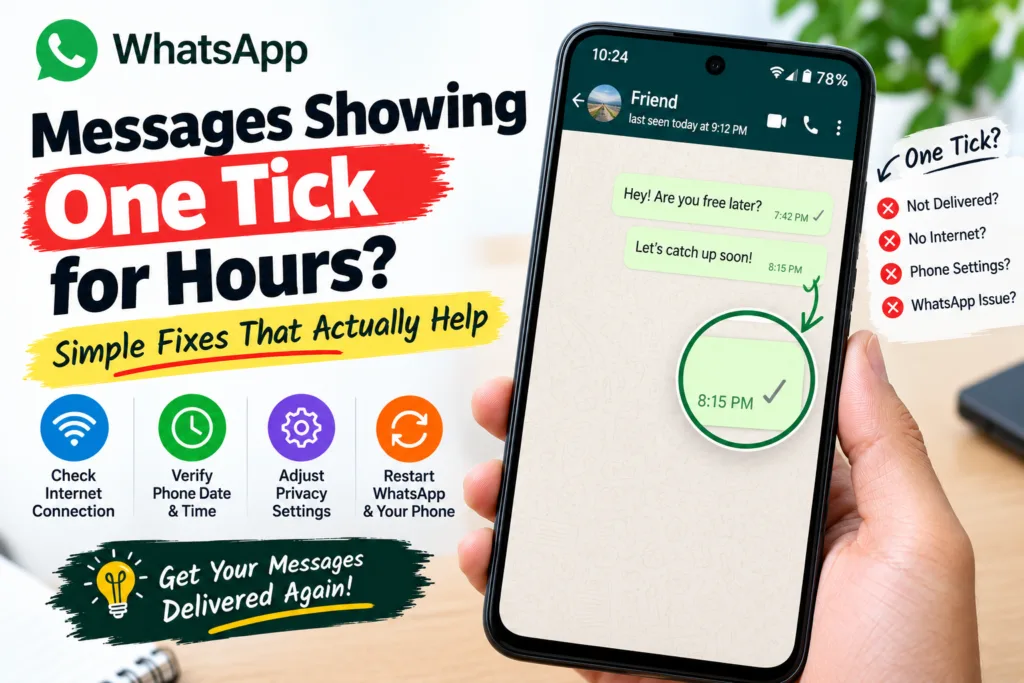
Seeing a single gray tick beside a WhatsApp message can be confusing, especially when it stays there for hours. It is easy to assume the recipient has ignored you, blocked you or that WhatsApp itself is broken.
The tick actually tells you something much more specific: your message has been sent, but WhatsApp has not confirmed delivery to the recipient’s phone or linked device yet. Two gray ticks indicate delivery, while two blue ticks indicate that the message has been read when read receipts are enabled.
That means the smartest fix depends on who is affected and whether other WhatsApp messages are behaving normally.
A single gray check mark means the message successfully left your phone, but it hasn’t reached the recipient’s device or one of their linked devices.
That can happen for several ordinary reasons.
The recipient’s phone may be turned off, disconnected from the internet, out of mobile coverage or temporarily unable to connect to WhatsApp. WhatsApp also notes that a single tick can persist when there is a delivery problem involving the recipient.
So don’t treat one tick as proof that something is wrong with your own phone.
The distinction is simple:
One gray tick: message sent, not delivered.
Two gray ticks: message delivered to the recipient’s phone or linked device.
Two blue ticks: message read, assuming read receipts are enabled.
This is also why a message can remain on one tick even when the recipient eventually opens WhatsApp much later.
Before changing settings, check another conversation.
Send a normal text to a different contact you regularly communicate with.
If that message gets two ticks normally, your WhatsApp connection is probably working and the issue is more likely specific to the original recipient.
If every message is stuck on one tick, then your own connection or WhatsApp installation deserves closer attention.
This simple comparison can prevent you from changing settings unnecessarily.
When messages to everyone else are delivering normally, focus on the recipient side first.
Their phone could be:
Switched off, disconnected from Wi-Fi or mobile data, outside coverage, temporarily offline or unable to connect to WhatsApp.
There is also another possibility: you may have been blocked.
However, a single tick by itself is not enough to prove that. WhatsApp lists several signs that may occur together, including messages consistently remaining on one tick and calls not connecting. Even then, the service does not provide a direct confirmation that someone has blocked you.
Privacy settings can also make individual indicators less useful than they appear.
So avoid treating one gray tick as a definitive answer about a person’s activity.
This is where you should investigate your own connection.
Open Chrome or another browser and load a website.
If webpages also fail to load, the problem is probably your internet connection rather than WhatsApp. WhatsApp’s own troubleshooting guidance recommends checking whether other apps and websites work and trying a different network when connection problems occur.
Turn off Wi-Fi and test WhatsApp using mobile data.
Then reverse the test.
If WhatsApp immediately works on mobile data but not Wi-Fi, the problem may be your router, ISP or Wi-Fi network.
If mobile data works poorly but Wi-Fi is normal, investigate the mobile connection instead.
For broader Android connectivity problems, Android Internet Feels Slow Even With Full Signal? Practical Fixes That Help covers the same diagnostic approach in more detail.
For a sudden connection problem, enable Airplane mode, wait around 10 seconds and disable it again.
This forces the phone to reconnect to its available wireless networks.
It is a useful recovery step for temporary network problems, but it should not become a repetitive workaround. If WhatsApp keeps getting stuck afterward, determine whether the issue follows Wi-Fi, mobile data or the device itself.
If other apps have internet access but WhatsApp remains stuck, check the basics.
Make sure WhatsApp is updated through the official app store and that your phone has a stable connection. WhatsApp specifically recommends using the latest version when troubleshooting connection and messaging problems.
Also avoid testing through an unstable VPN connection. WhatsApp notes that switching networks or disabling an existing VPN can help when connection problems affect the service.
You do not need to clear app data or reinstall WhatsApp at this stage.
WhatsApp provides more detail than the tick beside the message suggests.
Open the conversation, press and hold the message and select Info. Depending on your version of WhatsApp, the option may appear under the additional menu.
The Message Info screen can show when the message was delivered and read, giving you a more useful timeline than simply watching the check mark.
This is particularly useful when you are trying to determine whether a message is delayed or was simply not delivered yet.
That is a different problem.
If messages suddenly appear as soon as you open WhatsApp, but you weren’t receiving notifications while the app was closed, the issue may involve notification permissions, background data or battery restrictions rather than message delivery itself.
WhatsApp treats push notifications as a separate system from in-app notifications.
So don’t confuse one tick with late notification delivery. They can look similar from the user’s perspective but have different causes.
WhatsApp messages can be delivered to the recipient’s phone or linked devices, so the second tick does not necessarily mean the person’s main phone is actively in front of them.
On your own account, linked-device problems can also create confusion when messages or sessions behave differently across devices.
For browser-related problems, WhatsApp Web Not Syncing on Chrome? Complete Troubleshooting Guide for 2026 is the more relevant guide before you start changing account or phone settings.
Reinstalling the app is rarely the right first response to a single undelivered message.
If only one contact is affected while your other conversations work normally, reinstalling WhatsApp on your phone is unlikely to solve a problem that may be entirely on the recipient’s side.
Even when WhatsApp itself is having problems, the better troubleshooting order is connection → another network → app update → device restart → deeper troubleshooting.
Before deleting or reinstalling WhatsApp, make sure your chats are backed up so you don’t create a separate recovery problem.
There is a useful rule of thumb:
One contact affected, everyone else works: investigate the recipient side.
All contacts affected, internet also fails: investigate your connection.
All contacts affected, internet works normally: investigate WhatsApp, device settings or a service-side issue.
Messages deliver, but notifications arrive late: investigate notification and background activity settings instead.
This approach is much more reliable than trying random privacy or network settings.
You don’t need to intervene every time a message stays on one tick.
If you can browse the web, other WhatsApp chats work and only one recipient is affected, there may be nothing to fix on your phone.
The situation deserves more troubleshooting when all outgoing messages remain on one tick for a prolonged period, WhatsApp cannot connect while other apps work, or the problem continues after changing networks and restarting the device.
At that point, update WhatsApp, test another network and check the app’s connection behavior before considering more disruptive steps.
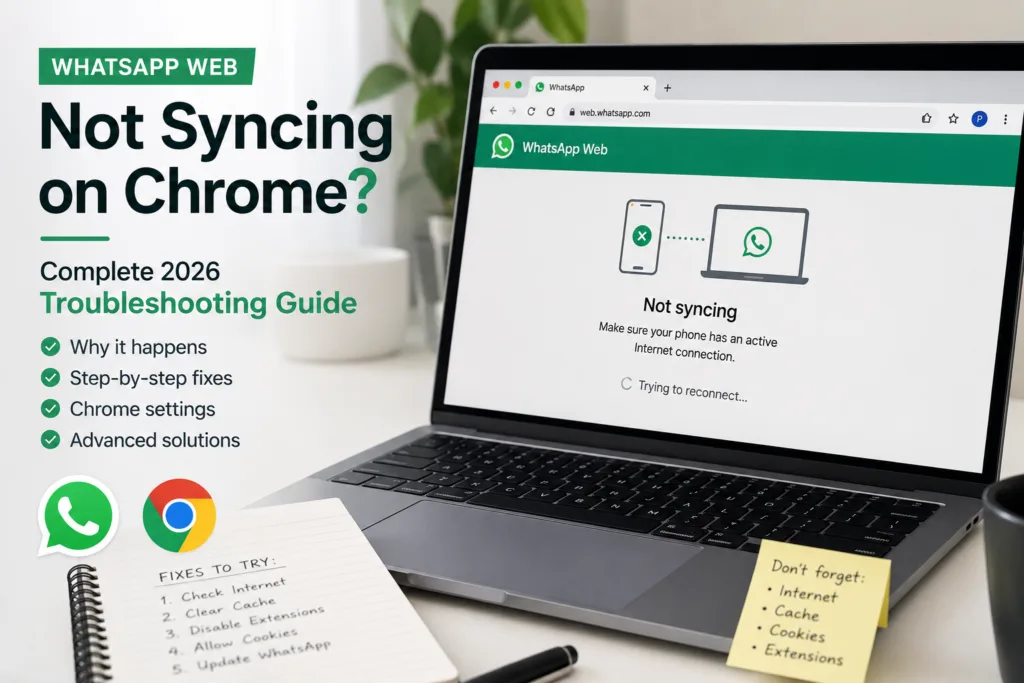
WhatsApp LabIf WhatsApp Web is not syncing on Chrome, don't immediately unlink every device or reinstall WhatsApp on your phone. The problem can…
 WhatsApp Lab
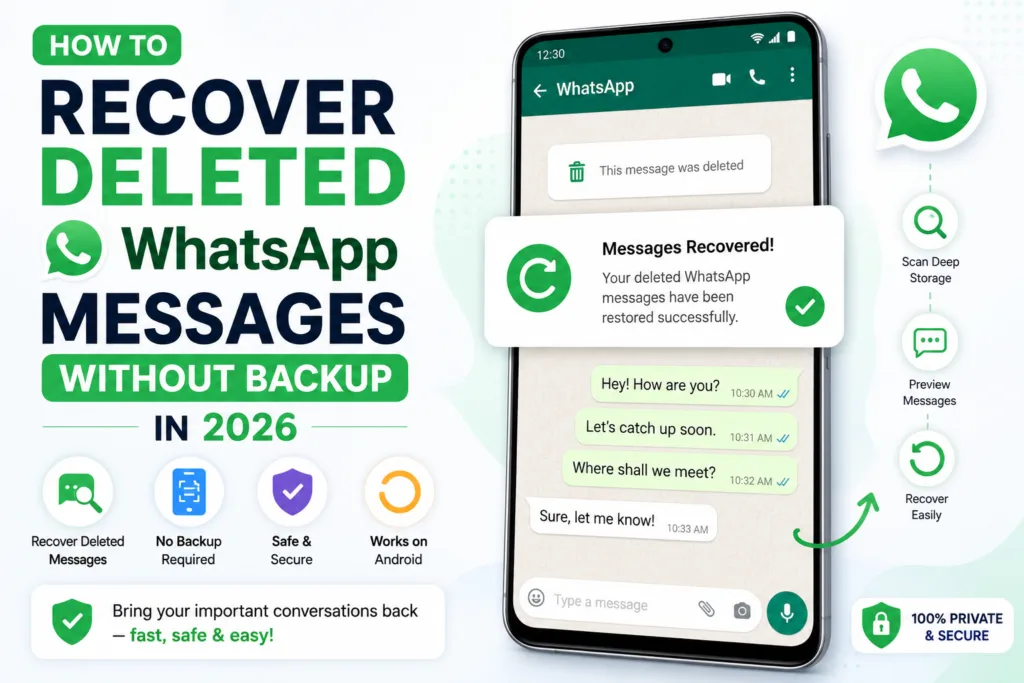
Accidentally deleting an important WhatsApp conversation can be stressful, especially if you never enabled Google Drive or iCloud backups. Whether it's an…
 WhatsApp Lab
WhatsApp Web has become an essential productivity tool for students, professionals, and businesses. Replying to messages from a keyboard, sharing documents directly…