
 Android Lab
Android Internet Feels Slow Even With Full Signal? Practical Fixes That Help
It's one of the most confusing Android problems: your phone shows a strong signal, yet websites take too long to open, YouTube…
VERIFIED PROCEDUREEXECUTE
 TECHULARZTRIXTMPrecision Technology Editorial
TECHULARZTRIXTM
Android 17 is officially rolling out, and while Google spent most of its keynote focusing on headline features like Bubbles, Screen Reactions, and foldable gaming tools, the real value of the update is buried deeper in the system.
TechularZtrixEDITORIAL DESK · UPDATED 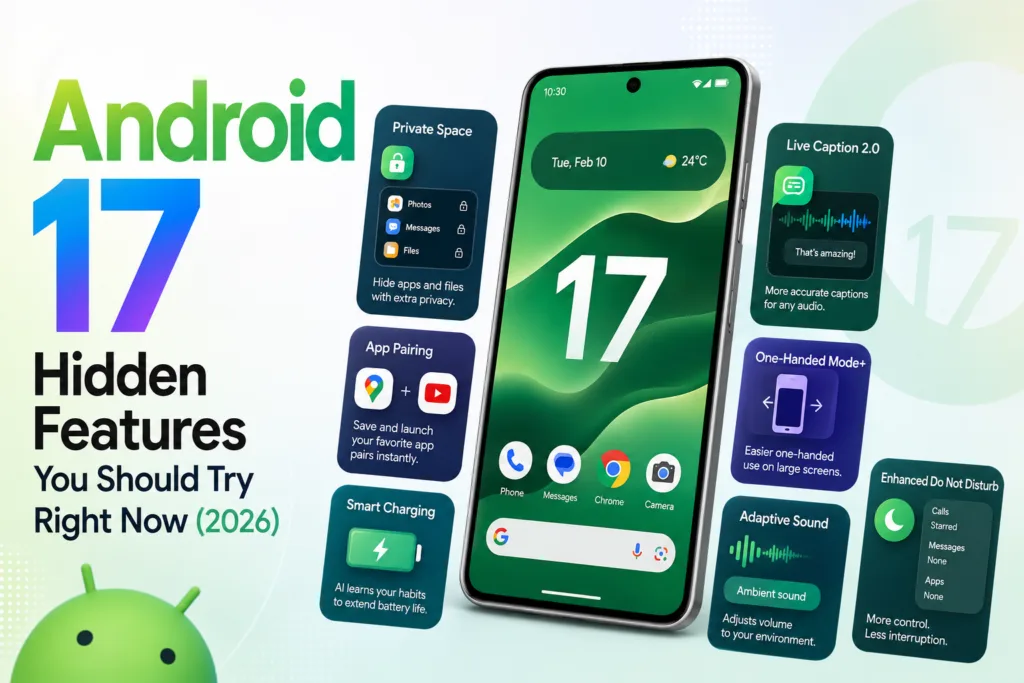
Android 17 is officially rolling out, and while Google spent most of its keynote focusing on headline features like Bubbles, Screen Reactions, and foldable gaming tools, the real value of the update is buried deeper in the system.
These are the upgrades you won’t see advertised, but you’ll definitely feel in everyday use — from smoother multitasking to stronger privacy control and smarter system behavior.
For most users, Android 17 will feel like a “small update.” In reality, it quietly changes how Android behaves at a system level.
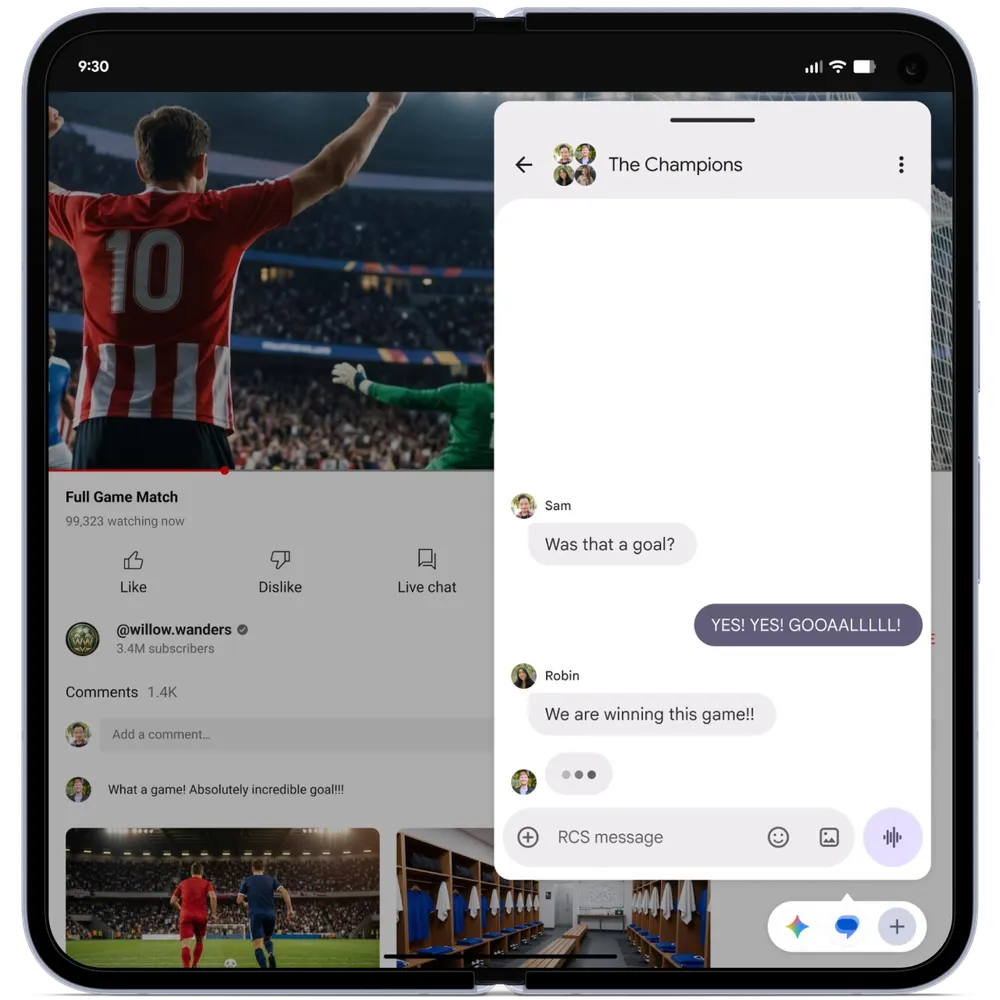
One of the most underrated changes in Android 17 is the expansion of App Bubbles, which now works across almost all modern Android devices instead of being limited to specific apps or foldables.
This means any supported app can now float over your screen as a movable bubble, allowing you to multitask without constantly switching between apps.
For example, you can reply to messages while watching videos, check notes while browsing the web, or keep a chat open while using maps.
This builds on the broader multitasking foundation discussed in How to Easily Find Saved Wi-Fi Passwords on Android in 2026, where system-level access and convenience features already play a big role in Android’s evolution.
On larger devices like tablets and foldables, Android 17 introduces a dedicated bubble dock that makes switching between active tasks even faster.
Android 17 brings back one of the most requested usability changes — separating Wi-Fi and mobile data into individual Quick Settings tiles.
In earlier Android versions, both were merged into a single “Internet” control panel, which required extra taps for simple tasks.
Now, users can toggle Wi-Fi or mobile data instantly, making quick network changes far more efficient.
This improvement also complements system optimization changes explained in Easy Guide: How to Clear Cache on Android in 2026 (App, Browser, and System Cache), where background performance tuning plays an important role in keeping Android smooth.
The result is a cleaner, faster control experience that reduces friction during everyday phone use.
Android 17 finally introduces a system-level app lock feature that removes the need for third-party tools or manufacturer-specific solutions.
Users can now lock any app directly from the home screen using fingerprint, face unlock, or device PIN.
This means sensitive apps like banking, gallery, and messaging can be protected more securely at the system level.
Once locked, apps require biometric authentication every time they are opened, making unauthorized access significantly harder.
This is a major step forward for Android privacy, especially compared to older versions that depended heavily on OEM software layers.
Security is one of the biggest focus areas in Android 17, and the improvements to Find Hub reflect that.
If a phone is stolen, Android now requires biometric authentication for critical actions like disabling tracking or resetting the device.
Even if someone knows your PIN, they won’t be able to fully control the phone without your identity verification.
Repeated incorrect attempts also trigger longer lockout delays, making brute-force access nearly impossible.
This strengthens Android’s anti-theft system significantly and reduces the resale value of stolen devices.
Android 17 improves the built-in screen recorder by adding support for front camera overlay.
This means users can record their screen while simultaneously showing their face in a floating window.
It’s especially useful for tutorials, reaction videos, walkthroughs, and educational content.
Creators no longer need external apps or complex editing setups for basic screen-based content creation.
This upgrade pushes Android further into creator-friendly territory without adding complexity.
One of the most practical upgrades in Android 17 is built-in battery health monitoring inside Settings.
Users can now see how much battery capacity remains compared to when the device was new.
This helps users understand battery degradation over time and decide when a replacement might be needed.
This feature is especially useful for long-term device owners and power users who rely heavily on battery performance.
Android 17 also introduces several subtle interface upgrades that improve daily usability:
Individually, these changes seem minor, but together they make Android feel noticeably smoother and more responsive.
Android LabIt's one of the most confusing Android problems: your phone shows a strong signal, yet websites take too long to open, YouTube…
 Android Lab
If the YouTube app is not playing videos on Android, the problem is not necessarily caused by the phone itself. A video…
 Android Lab
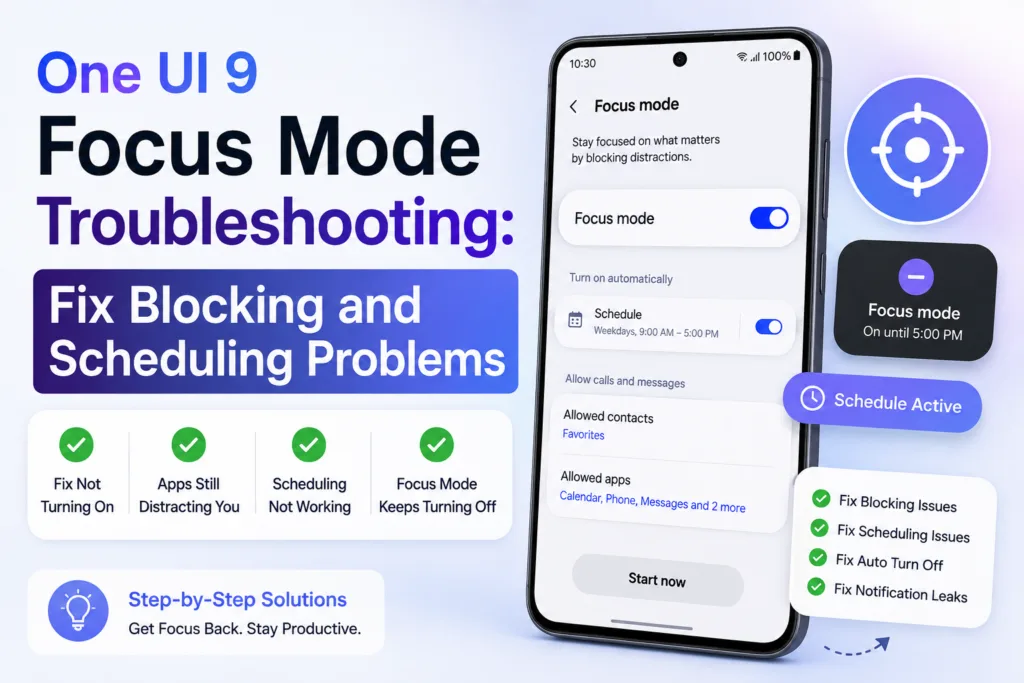
If One UI 9 Focus Mode isn't working on your Galaxy phone, the first thing to establish is whether you're dealing with…