Why Is My Android Phone Lagging Suddenly? (2026 Fix Guide)
Quick Highlights
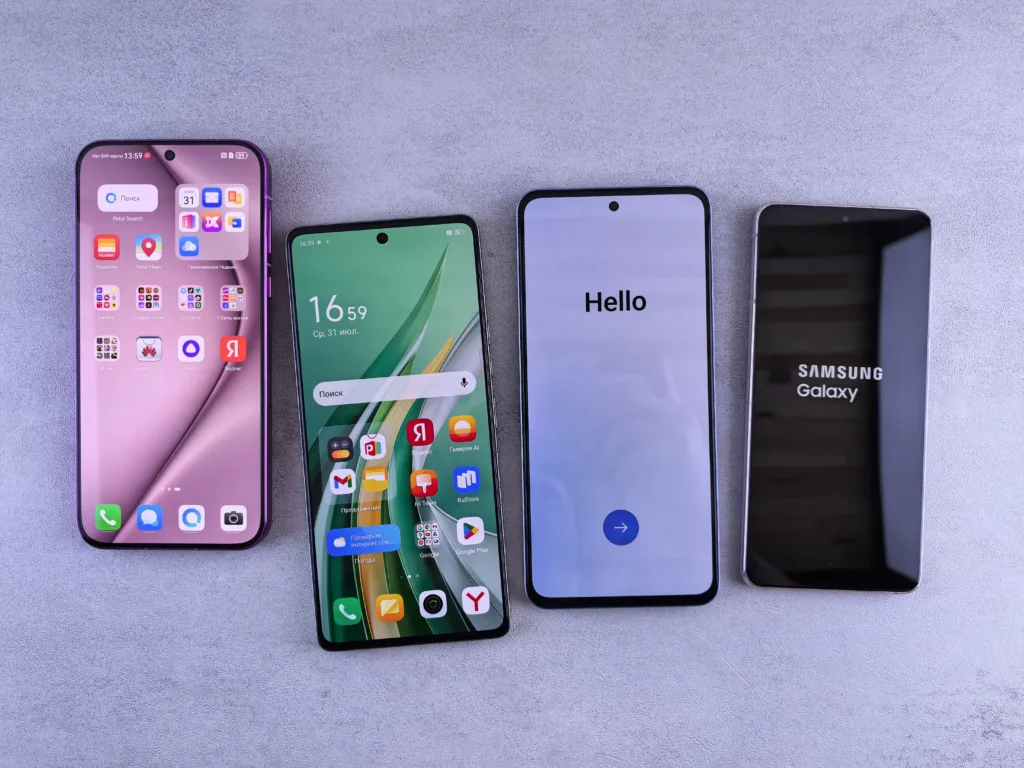
A phone that felt perfectly smooth yesterday but suddenly starts lagging today is one of the most frustrating Android experiences — and in most cases, it is not random at all.
What users often don’t realise is that Android performance depends on a balance between storage, RAM usage, thermal conditions, app behaviour, and background system processes. When even one of these factors goes out of range, the entire experience can feel noticeably slower.
The good news: in almost every case, the issue can be traced and fixed without needing a factory reset or repair.
Check 1 — Storage Space
Storage is one of the most overlooked causes of sudden lag.
When internal storage drops too low, Android struggles to perform even basic operations like caching apps, loading system services, and managing temporary files.
As a general rule, phones can begin showing performance issues when less than 10% of storage remains free.
If your device feels slow, start by checking storage usage:
- Remove unused apps
- Clear downloaded files
- Move photos and videos to cloud storage
- Avoid filling storage beyond 80–90%
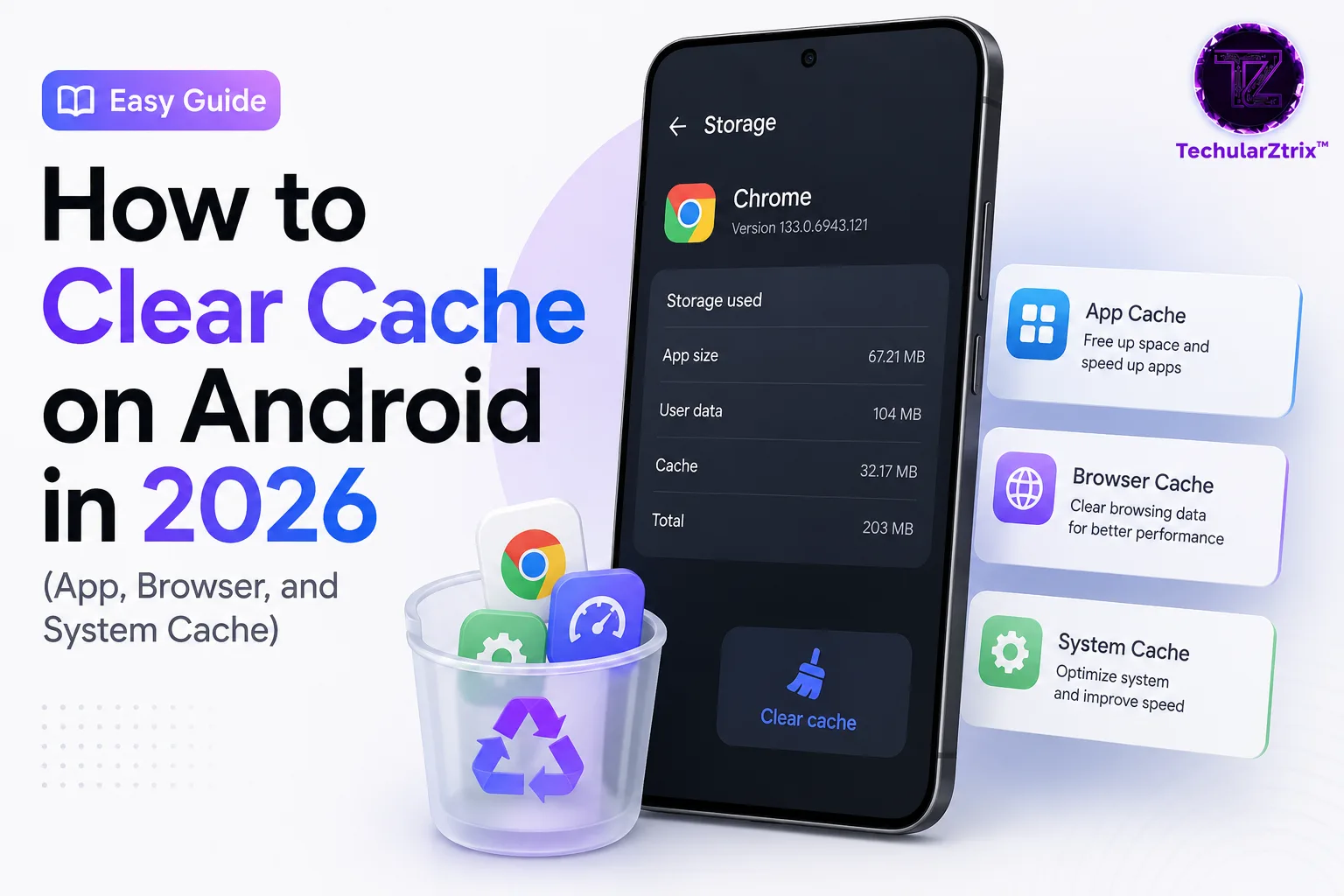
If you’re unsure how to clean deeper system-level cache safely, our guide on How to Clear Cache on Android in 2026 (App, Browser, and System Cache) explains the process step-by-step.
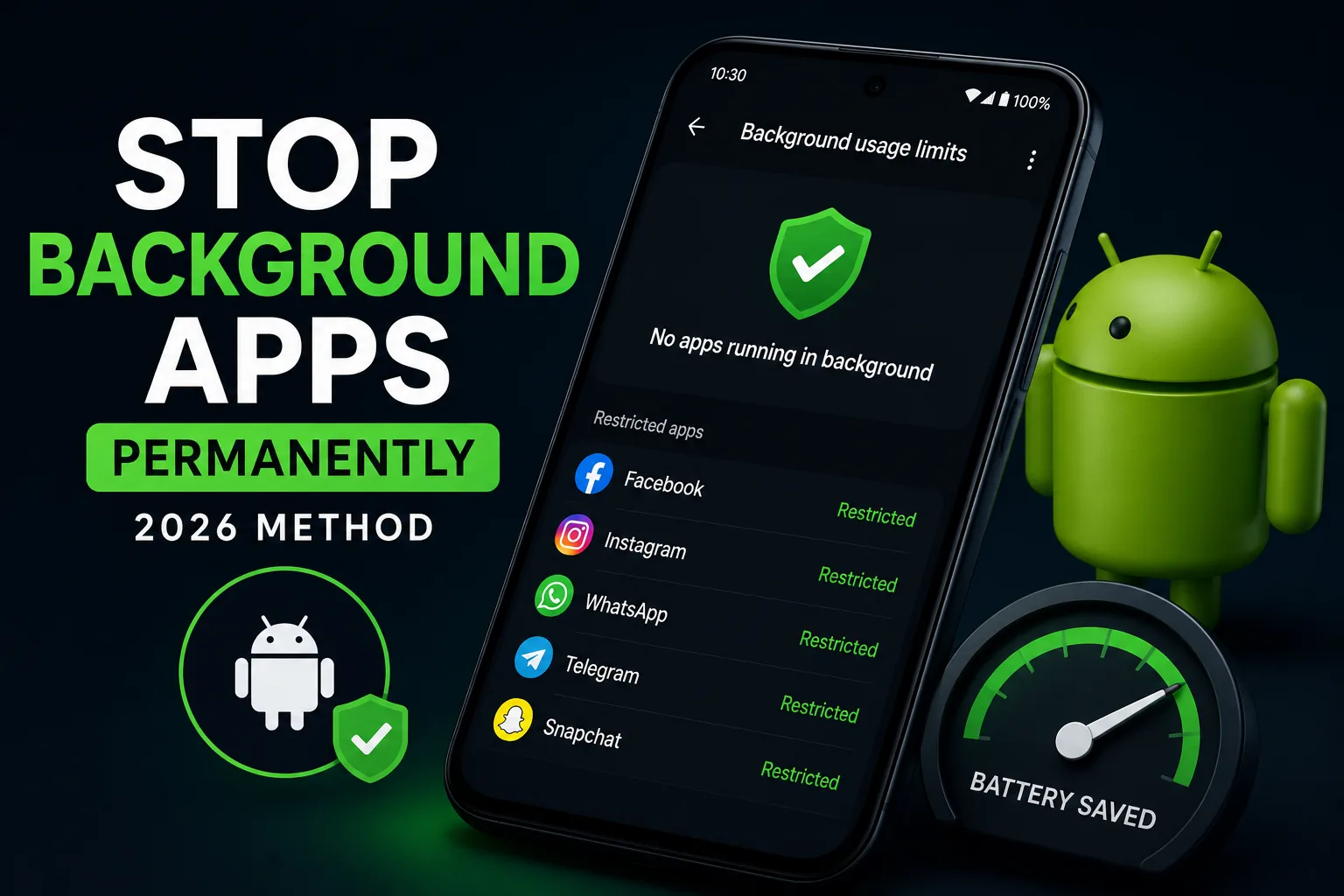
Check 2 — Background Apps
Modern Android phones are powerful, but RAM is still limited.
When too many apps remain active in the background, they compete for memory and processing power. This leads to noticeable stuttering when switching between apps or scrolling through heavy interfaces.
The fastest fix is simple:
- Open recent apps
- Close unused applications
- Avoid leaving dozens of apps suspended
However, persistent background strain is often tied to deeper system inefficiencies. In some cases, users also notice battery drain at the same time. If that’s happening, it’s worth reading Powerful Fixes for Android Battery Drain After the Latest Update (2026 Guide) since the two issues often overlap.
Check 3 — Overheating
Heat is one of the most aggressive performance limiters on Android.
When your phone temperature rises, the system automatically reduces CPU and GPU performance to prevent damage. This process is called thermal throttling.
Common triggers include:
- Gaming for long sessions
- Video streaming at high brightness
- Charging while using heavy apps
- Hot ambient conditions
If your phone feels warm, let it cool for 10–15 minutes. Performance usually returns immediately once temperatures normalize.
Check 4 — A Specific Misbehaving App
Sometimes the entire issue comes down to a single app behaving incorrectly in the background.
To identify it:
- Restart in Safe Mode
- Check if lag disappears
- If performance improves, a third-party app is likely responsible
- Uninstall recently added apps one by one
Apps that frequently cause issues include backup tools, antivirus scanners, and poorly optimized social media apps running background services.
Check 5 — Pending System Update
Not all updates improve performance immediately.
In some cases, a recently installed update may temporarily reduce performance while Android re-optimizes system processes.
Check for updates:
- System updates in settings
- Google Play Store app updates
If your lag started immediately after a major update, it may not be a bug — it may be temporary optimization.
For deeper related issues, users often also check How to Recover Deleted Call History on Android (2026) because system updates sometimes affect backup behaviour and stored logs indirectly.
Check 6 — Battery Health
Battery condition plays a bigger role in performance than most users realise.
When battery health degrades, Android may automatically reduce performance to maintain stability and prevent sudden shutdowns.
This is especially common on older devices.
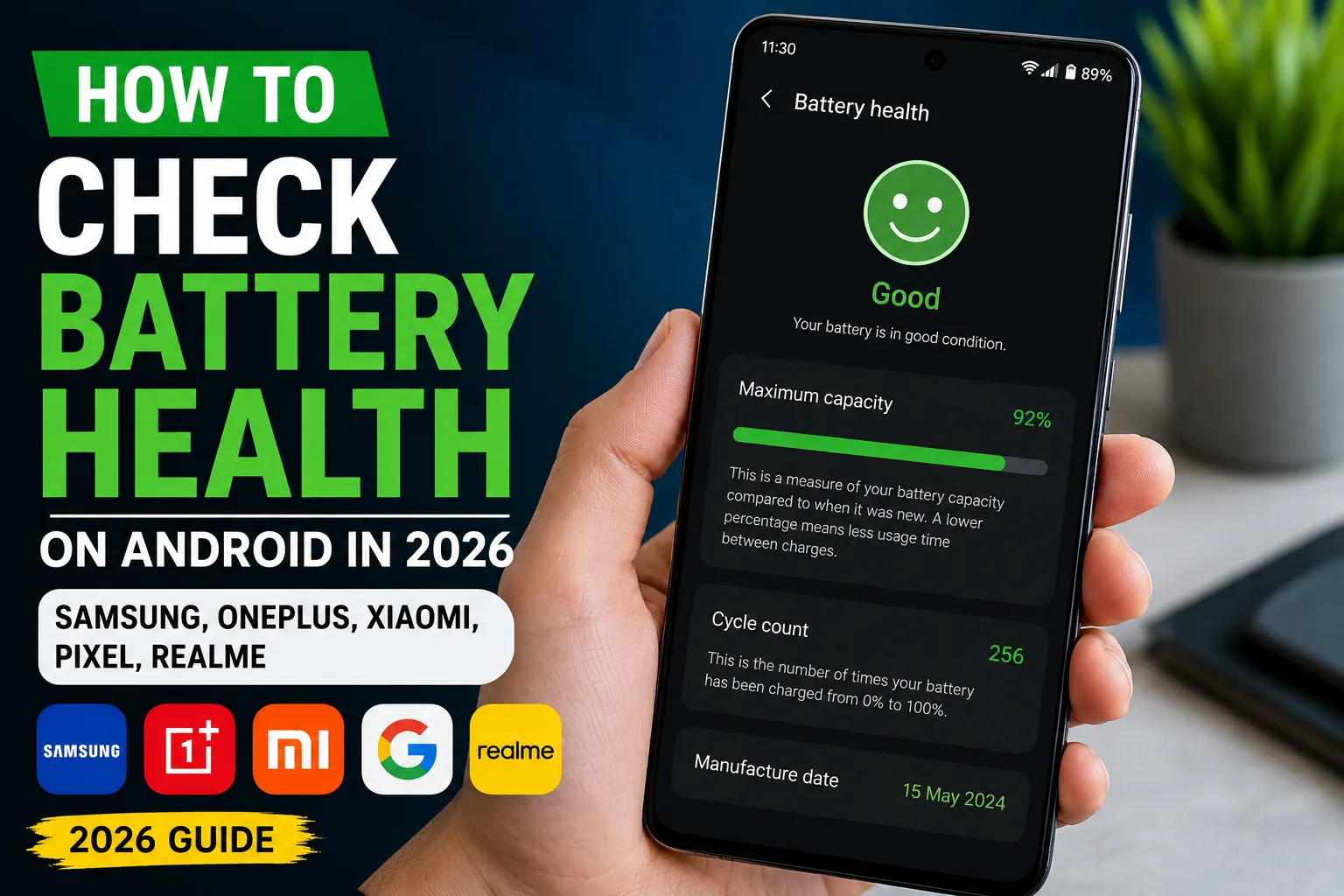
You should check battery health regularly using system tools or manufacturer apps. If you’re unsure how to interpret results, our guide How to Check Battery Health on Android in 2026 (Samsung, OnePlus, Xiaomi, Pixel, Realme) explains it in detail across all major brands.
The Fastest Universal Fix
Before going deeper into troubleshooting, restart your phone.
A simple reboot clears RAM, resets background processes, and removes temporary system clutter. In many cases, this alone resolves sudden lag with no further steps required.
When Nothing Works
If your phone continues lagging after all checks:
- It may indicate aging hardware
- Background services may be stuck after updates
- Or system corruption may require deeper repair
At that point, backup and reset becomes a last option — not the first.
For official Android troubleshooting resources, visit Android Help Community.
⚡ TechularZtrix Scan
📌 Bottom Line: Sudden Android lag is almost always caused by storage pressure, background apps, overheating, or temporary post-update system optimization — not random failure.
🎯 Best For: Android users experiencing unexpected slowdowns, stuttering, or delayed app response.
🏆 Biggest Win: Most lag issues can be fixed within minutes by clearing storage, closing background apps, or simply restarting the device.
⚠️ Biggest Compromise: Some cases require waiting 24–72 hours after a system update for Android to fully optimize performance in the background.
📈 Why It Matters: Understanding the real cause of lag prevents unnecessary factory resets and helps users fix performance issues much faster.
🔍 Our Recommendation: Start with storage cleanup and restart. If lag continues, check overheating and background apps before moving to deeper system-level fixes.