How to Recover Deleted Call History on Android (2026)
Quick Highlights
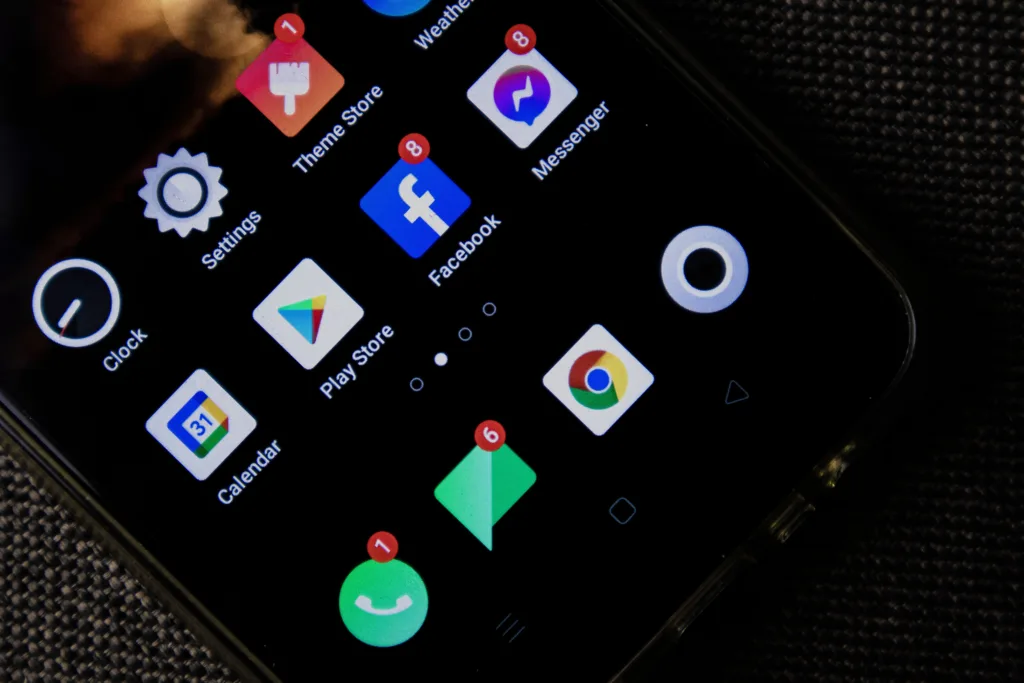
Accidentally deleting your call history can be frustrating, especially when you need an important number, call duration, or business record. The good news is that recovering deleted call logs is sometimes possible on Android. The bad news is that success depends almost entirely on how your phone was configured before the deletion happened.
Unlike contacts, Android does not provide a dedicated Trash folder for deleted call logs. That means recovery options are more limited and usually rely on backups that were created before the call history disappeared.
If you’ve previously followed Android 17 Settings You Should Change Immediately (2026) and enabled backup features, your chances of recovery are significantly higher.
Can Deleted Call History Actually Be Recovered?
Yes, but only under specific circumstances.
Call logs are normally stored inside the Phone app’s database. Once they are deleted, Android does not keep them in a visible recycle bin. Recovery becomes possible only if the information still exists inside a cloud backup, manufacturer backup service, or another synced device.
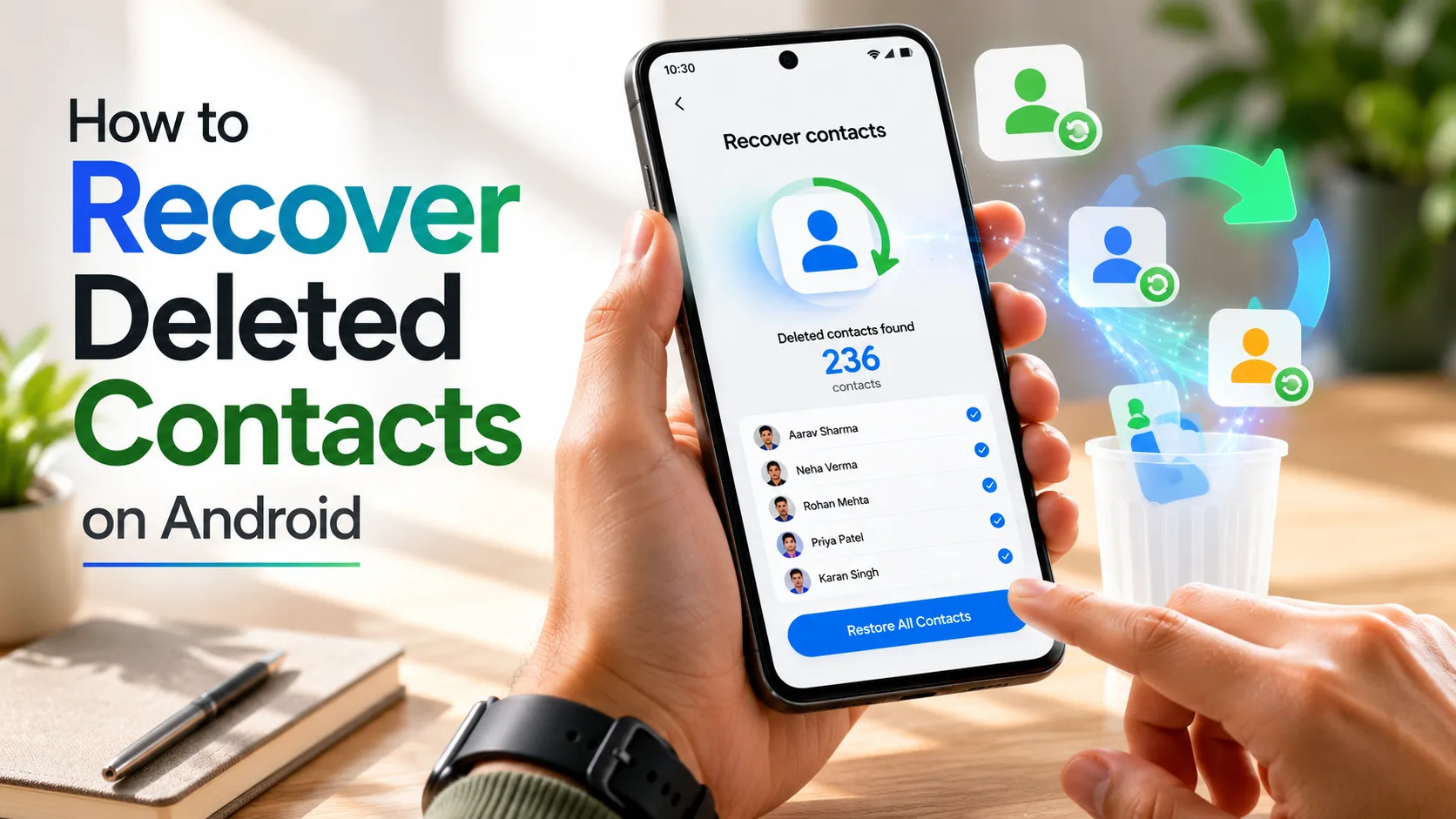
This is very different from contact recovery. If you’re trying to restore deleted numbers rather than call logs, you should instead follow How to Recover Deleted Contacts on Android (2026) since contacts have dedicated recovery tools that call history does not.
Method 1: Restore From Google Backup
For most Android users, Google Backup is the most realistic recovery method.
Open:
Settings → Google → Backup
Check whether a backup exists from before the call history was deleted. If there is a backup available, Android may be able to restore the call logs as part of a full device restoration.
The important limitation is that Google does not provide a standalone call log restore tool. To recover call history from a Google backup, you typically need to reset the device and restore from that backup during setup.
The process usually works like this:
- Verify that a backup exists from before the deletion.
- Back up any current photos, files, and messages you do not want to lose.
- Perform a factory reset.
- Sign in with the same Google account during setup.
- Select the backup that predates the deletion.
- Complete the restoration process.
After setup finishes, the call logs included in that backup may reappear.
Keep in mind that anything created after the backup date may not be restored.
Method 2: Restore Call History Using Samsung Cloud
Samsung users have an additional recovery option.
On many Galaxy devices, Samsung Cloud can back up call logs separately from Google’s backup system. This makes recovery much easier because a full factory reset is often unnecessary.
Open:
Settings → Accounts and Backup → Samsung Cloud → Restore Data
Choose the backup that contains the missing call history and select Call Logs if available.
Samsung Cloud restoration is generally the least disruptive recovery method currently available on Android.
Method 3: Check Other Synced Devices
Many users overlook this option.
If you use multiple devices connected to the same communication service, some call information may still exist elsewhere.
For example:
- WhatsApp calls remain inside WhatsApp’s call tab.
- Google Voice call history may still be available through your Google Voice account.
- Business VoIP services often keep separate call records.
- Linked devices may still contain older call information.
Before attempting a factory reset, check every service that may have handled the call.
Why Most Call Log Recovery Apps Don’t Work
A quick search on the Play Store will reveal dozens of apps claiming to recover deleted call logs.
Most of these apps cannot access deleted call databases on modern Android versions without root access.
Android’s security system has become much stricter over the years. Once the call log database is deleted, third-party applications typically cannot scan system storage deeply enough to recover it.
This is why most recovery apps either produce incomplete results or simply fail entirely.
Users should be cautious about granting excessive permissions to recovery apps that promise guaranteed results.
How to Protect Your Call History in the Future
The easiest recovery is the one you never need.
Enable Google Backup:
Settings → Google → Backup
Make sure backup is turned on and runs regularly.
Samsung users should also enable Samsung Cloud backups for additional protection.
If you’re cleaning up storage or troubleshooting your phone, be careful not to remove important data while performing maintenance. Before deleting app data, review guides such as How to Clear Cache on Android in 2026 (App, Browser, and System Cache) so you understand the difference between clearing cache and deleting stored information.
What Happens After Recovery?
If recovery succeeds, restored call logs generally appear exactly as they existed in the backup.
This includes:
- Incoming calls
- Outgoing calls
- Missed calls
- Call duration
- Caller information
However, calls made after the backup date usually will not be included.
For that reason, users should always verify the backup date before starting any restoration process.
For complete backup details and supported data types, users can review the official Android backup documentation from Google:
⚡ TechularZtrix Scan
📌 Bottom Line: Recovering deleted call history on Android is possible if a backup existed before the deletion. Without a backup, recovery options are extremely limited.
🎯 Best For: Users who accidentally deleted call logs, switched devices, or restored factory settings.
🏆 Biggest Win: Google Backup and Samsung Cloud can restore call history without relying on unreliable recovery apps.
⚠️ Biggest Compromise: Android does not provide a dedicated Trash folder for deleted call logs.
📈 Why It Matters: Important business calls, client records, and personal communication history can disappear instantly if backups are not enabled.
🔍 Difficulty Level: Easy to Moderate
⏱️ Time Required: 2 minutes to 1 hour depending on the recovery method.
📱 Works On: Samsung Galaxy, Xiaomi, Redmi, POCO, OnePlus, OPPO, Realme, Vivo, Google Pixel, and most Android phones with backup services enabled.
“Stay Connected For more daily breaking leaks, advanced hardware forensics, and in-depth software reviews, make sure to check out the official TechularZtrix homepage. Dive into our curated category hubs to stay ahead of the rapidly shifting digital landscape.
In most cases, no. Modern Android security prevents reliable recovery once call logs are permanently deleted and no backup exists.
No. Google Contacts handles contact information only. Call logs are stored separately.
Most do not work reliably on Android 10 and newer devices without root access.
Yes, on supported Galaxy devices Samsung Cloud can often restore call logs separately.
Google keeps device backups while the device remains active and associated with your account, but older backups may eventually be replaced by newer ones.