How to Use Gemini AI for Daily Tasks (Beginner Guide, 2026)
Quick Highlights – How to Use Gemini AI

Artificial intelligence has become part of everyday life, but many people still assume it is designed only for programmers, researchers, or technology enthusiasts.
In reality, Gemini is one of the easiest AI tools for complete beginners because it behaves more like a helpful assistant than a traditional software platform. Instead of learning commands, settings, or complicated workflows, you simply tell Gemini what you want in normal language.
Whether you need help writing a message, planning a trip, summarising a long article, organising your day, or understanding a difficult topic, Gemini can usually provide useful assistance within seconds.
Students already using AI productivity systems discussed in Best Free AI Tools for Students in 2026 (No Signup Needed for Most) will find Gemini particularly useful because it combines research, writing assistance, and planning tools inside a single platform.
The best part is that most Android users already have access to Gemini without paying anything.
Desktop users can access Gemini directly through Google’s official Gemini website and start using the AI assistant with their existing Google account.
Getting Started With Gemini
If this is your first time using Gemini, setup takes only a few minutes.
Step 1: Access Gemini
Android users can open the Gemini app if it is already installed or download it from Google Play.
iPhone users can install Gemini from the App Store.
Desktop users can simply visit Google’s Gemini website through any browser.
Step 2: Sign In
Log in using your Google account.
Unlike many AI services, there is no separate registration process because Gemini is already integrated into Google’s ecosystem.
Step 3: Start Your First Conversation
The biggest mistake beginners make is trying to speak like a robot.
Instead of typing:
“Generate schedule.”
Try:
“Create a study schedule for four subjects over the next seven days.”
The more specific your request, the better Gemini’s response becomes.
Using Gemini to Write Messages Faster
One of the most practical everyday uses for Gemini is writing and rewriting messages.
Many people spend far more time than necessary trying to find the right words for emails, WhatsApp messages, workplace communication, or formal requests.
Gemini can dramatically reduce that effort.
For example, you can ask:
“Write a polite email requesting a deadline extension.”
Or:
“Rewrite this message so it sounds more professional.”
You can even paste your existing draft and ask Gemini to make it shorter, friendlier, more formal, or easier to understand.
This is especially useful for students, professionals, freelancers, and small business owners who regularly communicate with clients or colleagues.
Planning Your Day, Week, or Trip
Gemini is surprisingly effective as a planning assistant.
Many users think AI is only useful for answering questions, but planning is actually one of its strongest abilities.
Suppose you have exams approaching.
You could ask:
“Create a realistic study plan for the next ten days. I have four subjects and three hours available each evening.”
Gemini will build a schedule that can then be adjusted through follow-up questions.
The same applies to travel planning.
You can request:
“Plan a two-day trip to Goa for two people on a moderate budget.”
Gemini can create itineraries, suggest activities, estimate budgets, and help organise travel logistics.
People already interested in AI-powered productivity may also enjoy comparing modern AI assistants through Google AI Mode vs ChatGPT Search: The Complete Comparison That Actually Matters in 2026, which explains how different AI systems approach planning and information retrieval.
Summarising Long Articles and Documents
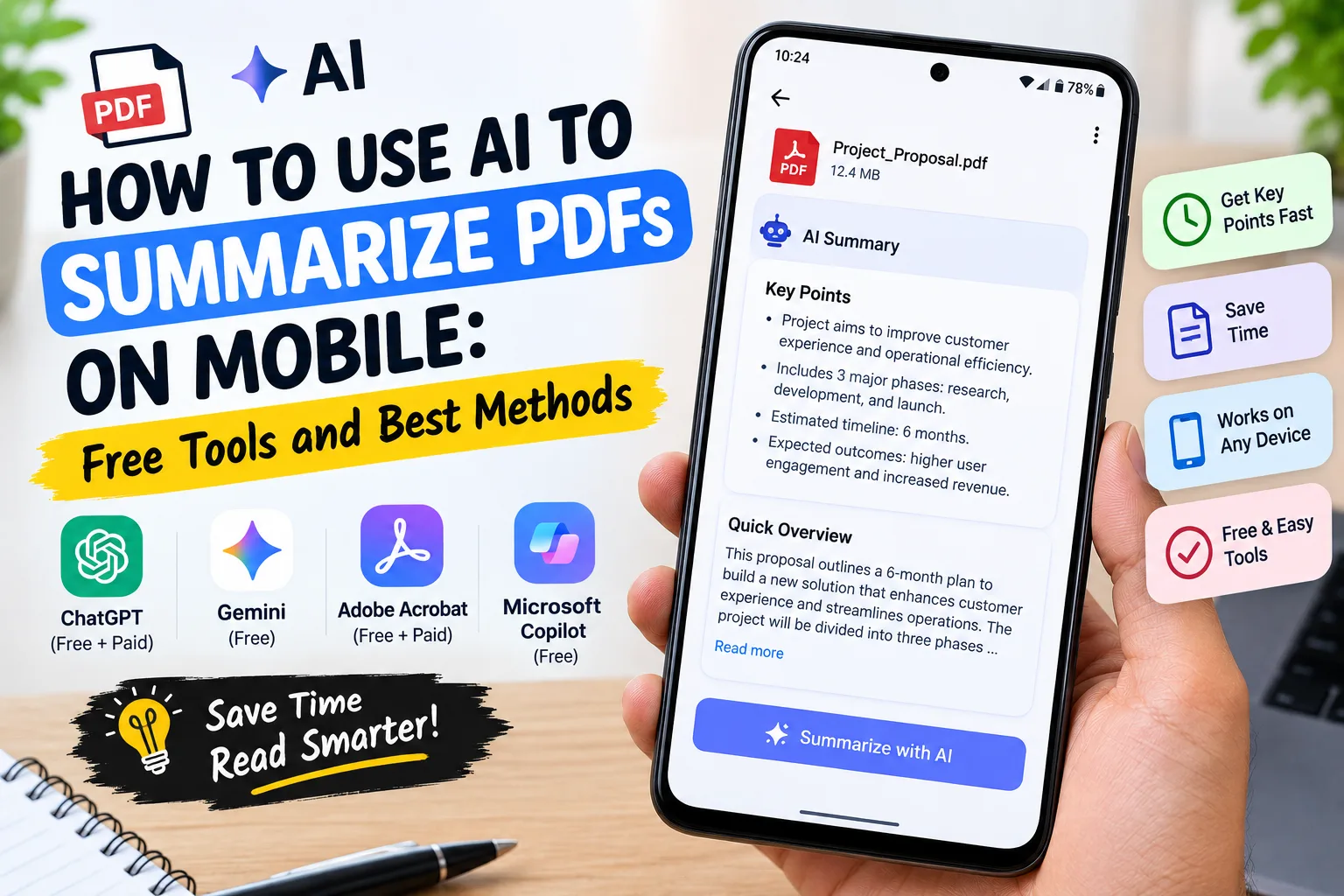
One of the most valuable Gemini features for students and professionals is summarisation.
Modern work and education involve processing enormous amounts of information every day.
Instead of reading an entire document immediately, Gemini can help you understand whether it is worth your time.
Step 1
Copy the article, report, email thread, or document text.
Step 2
Paste it into Gemini.
Step 3
Ask:
“Summarise this in three key points.”
Or:
“Explain the main argument in simple language.”
You can then ask follow-up questions about specific sections that require more detail.
This approach is particularly useful for lengthy reports, academic papers, policy documents, and business emails.
Getting Fast Explanations for Complex Topics
Gemini works extremely well when you need concepts explained clearly.
Instead of opening multiple websites and comparing explanations, you can ask Gemini directly.
Examples include:
“What is compound interest?”
“Explain cloud storage in simple language.”
“Why does my smartphone become warm while charging?”
The strength of Gemini is its ability to adapt explanations to your knowledge level.
You can even request:
“Explain this like I’m a beginner.”
Or:
“Explain this at university level.”
That flexibility makes learning much faster.
Using Gemini Live for Voice Conversations
Typing is not always convenient.
This is where Gemini Live becomes useful.
Gemini Live allows you to have natural voice conversations with the AI assistant.
You simply tap the microphone or Live icon and start speaking normally.
This feature is useful while:
- Driving
- Walking
- Cooking
- Exercising
- Commuting
- Performing household tasks
Because conversations happen naturally, many users find Gemini Live easier than traditional voice assistants.
Creating Images With Gemini
Gemini can also generate simple images from text descriptions.
For example, you might ask:
“Create a birthday card with balloons and a colourful background.”
Or:
“Generate a simple social media graphic about productivity.”
While dedicated design tools remain stronger for professional creative work, Gemini’s image generation is useful for quick everyday projects.
Common Mistakes New Gemini Users Make
Most beginners experience disappointing results for one simple reason: they are too vague.
Instead of asking:
“Help me study.”
Try:
“Create a study plan for Biology chapters 1–5 over the next four days.”
Specific requests produce dramatically better answers.
Another common mistake is assuming AI is always correct.
Gemini is helpful, but it can occasionally make mistakes.
For important medical, financial, legal, or academic information, always verify critical details from trusted sources.
⚡ TechularZtrix Scan
📌 Bottom Line: Gemini is one of the easiest AI tools for beginners because it works through natural conversation rather than complicated commands or workflows.
🎯 Best For: Students, professionals, creators, researchers, travellers, and everyday users looking to save time on writing, planning, learning, and organisation.
🏆 Biggest Win: Gemini combines writing assistance, planning tools, explanations, research support, voice interaction, and image generation inside a single platform that most users can access for free.
⚠️ Biggest Compromise: Like every AI system, Gemini can occasionally provide incorrect information, so important decisions should always be verified through reliable sources.
📈 Why It Matters: AI assistants are rapidly becoming part of everyday productivity. Learning how to use Gemini effectively now can save significant time on routine tasks while improving organisation and learning efficiency.
🔍 What Happens Next: Google’s continued investment in Gemini suggests deeper integration across Android, Search, Workspace, and future AI-powered productivity features throughout 2026 and beyond.