Google AI Mode vs ChatGPT Search: The Complete Comparison That Actually Matters in 2026
Quick Highlights
For the first time in decades, Google Search has serious competition.
Not because people have stopped searching for information, but because the way they search is changing.
Instead of typing a query, opening multiple tabs, comparing sources, and building an answer manually, users increasingly expect AI to do the heavy lifting. That’s where Google AI Mode and ChatGPT Search enter the picture.
At first glance, they seem remarkably similar. Ask a question, receive an AI-generated answer, and move on.
After spending time with both platforms, however, the differences become obvious.
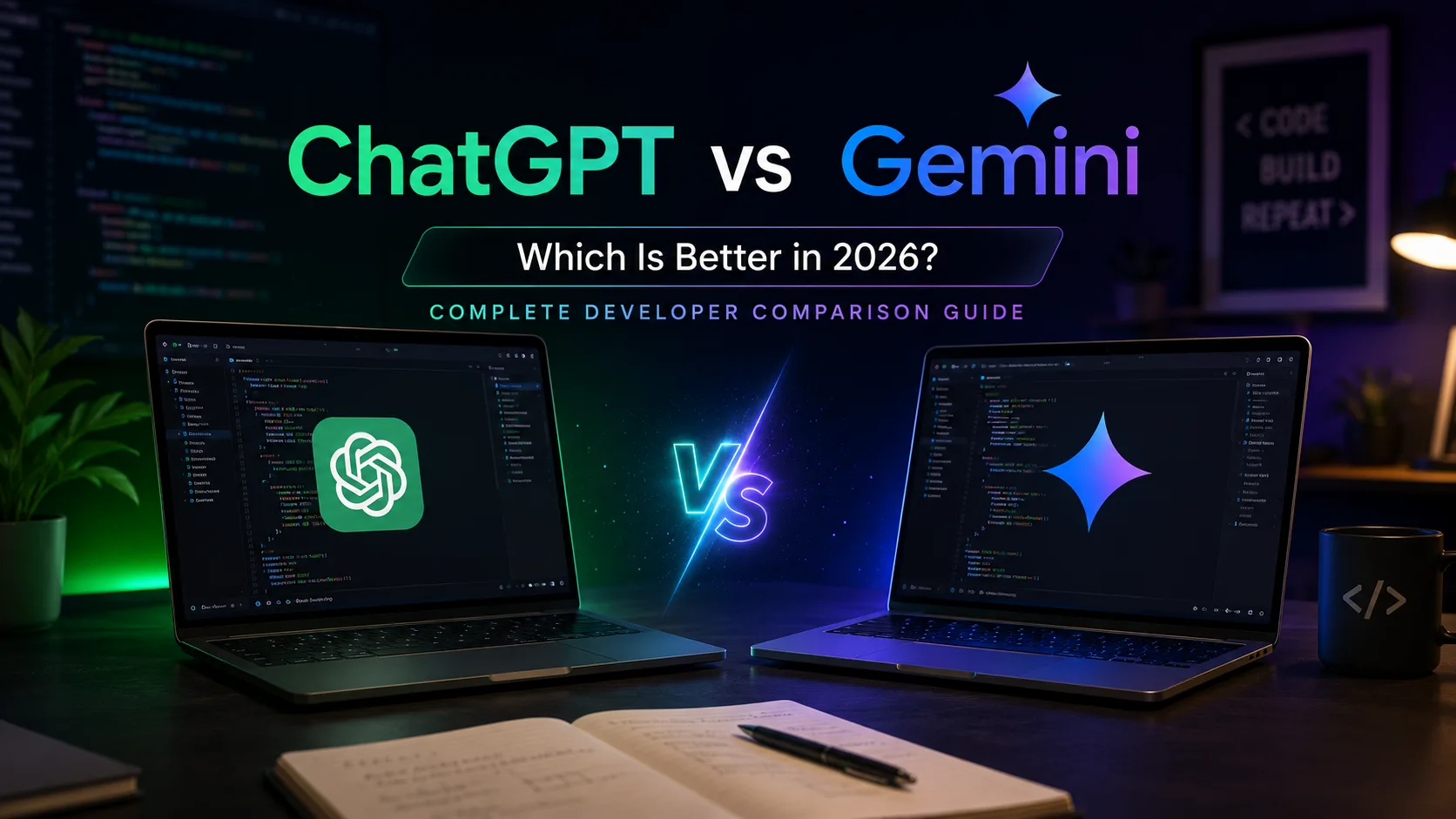
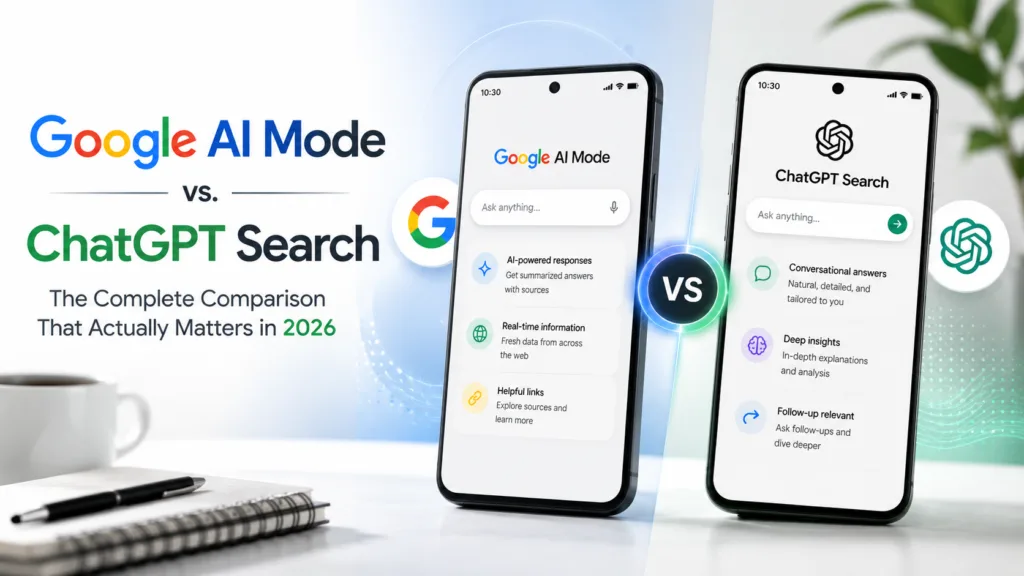
Google AI Mode behaves like an upgraded version of Search. ChatGPT Search behaves like a conversational assistant that happens to have web access.
Understanding that distinction is the key to choosing the right tool.
What Google AI Mode Actually Is
Google AI Mode is not a standalone application.
It’s an AI-powered layer built directly into Google Search.
Instead of returning a traditional page full of links, AI Mode generates an answer using information gathered from Google’s search index. The system can break down complex topics, compare products, answer follow-up questions, and summarize information that would normally require opening multiple websites.
In many ways, it feels like Google Search trying to become an assistant rather than a directory.
Google’s long-term direction is becoming increasingly clear. Features such as Google AI Mode Gets Search Agents That Track Information for You and Send Updates Automatically show that Google wants Search to actively work on behalf of users rather than simply respond to queries.
That shift fundamentally changes how information is discovered online.
What ChatGPT Search Actually Is
ChatGPT Search approaches the problem from the opposite direction.
OpenAI didn’t start with a search engine.
It started with a conversational AI model.
Search was added later to solve one of ChatGPT’s biggest limitations: access to current information.
Today, ChatGPT Search combines real-time web retrieval with the conversational experience people already associate with ChatGPT.
The result feels less like a search engine and more like a research assistant.
You ask a question.
It explains.
You ask another.
It expands.
You challenge its answer.
It adjusts.
The experience is built around conversation rather than information retrieval.
That’s still one of ChatGPT’s biggest advantages.
The Biggest Difference: How They Find Information
This is where the two systems diverge dramatically.
Google AI Mode sits on top of Google’s enormous search infrastructure.
When AI Mode answers a question, it can immediately access Google’s live index, which is continuously updated with new pages, news articles, products, reviews, and public information.
For time-sensitive topics, that’s a significant advantage.
Ask about:
- Breaking news
- Product launches
- Live prices
- Recent announcements
- New software releases
And Google AI Mode often has the freshest available information.
ChatGPT Search can also retrieve current information, but its retrieval process works differently.
The system searches, evaluates, and selects sources before generating an answer. The experience remains conversational, but the source pool often differs from Google’s.
This is one reason users frequently receive different answers from the two systems even when asking identical questions.
In practical terms, Google AI Mode behaves more like a search engine enhanced by AI.
ChatGPT Search behaves more like an AI enhanced by search.
That distinction matters more than most people realize.
Personalization Is Where Google Pulls Ahead
In 2026, Google’s most significant advantage isn’t search quality.
It’s context.
Google already owns products that many people use every day:
- Gmail
- Calendar
- Photos
- Maps
- Chrome
- Android
AI Mode can now integrate with portions of that ecosystem when users choose to enable Personal Intelligence features.
This means AI Mode can potentially answer questions like:
“What’s my flight time tomorrow?”
“Where is the restaurant I booked last week?”
“Show me the photos from my Goa trip.”
ChatGPT cannot access that personal Google data.
Google’s wider AI strategy also extends beyond Search. Updates such as Google Expands Gemini in Chrome With AI Tab Summaries, Gmail Actions and Image Editing Features demonstrate how aggressively the company is connecting its various products through AI.
The result is an ecosystem advantage that OpenAI currently struggles to match.
Where Google AI Mode Is Better
After using both systems extensively, several scenarios consistently favor Google’s approach.
Product Research
If you’re comparing phones, laptops, cameras, televisions, or other products, Google AI Mode often performs better.
Because it’s tied directly to Search, it tends to surface current pricing, retailer information, recent reviews, and updated specifications more effectively.
Travel Planning
Google’s integration with Maps, flights, and local business information gives it an advantage when planning trips.
Questions involving routes, destinations, and local recommendations generally feel more complete.
Real-Time Information
When information changes daily or hourly, Google AI Mode is usually the safer choice.
Examples include:
- Stock movements
- Sports results
- Launch events
- Product availability
- News developments
Decision-Making
Google AI Mode increasingly feels designed around helping users make choices rather than simply answering questions.
That’s especially noticeable when comparing products, services, and purchases.
Where ChatGPT Search Is Better
Google AI Mode is impressive, but ChatGPT still dominates several important categories.
Writing
This remains one of ChatGPT’s strongest areas.
Emails, reports, social posts, scripts, outlines, and article drafts generally benefit from ChatGPT’s more natural conversational workflow.
Brainstorming
When you’re exploring ideas rather than seeking facts, ChatGPT feels significantly more flexible.
It often performs better during open-ended discussions where there isn’t a single correct answer.
Learning Complex Topics
Many users prefer ChatGPT’s explanation style.
It tends to break concepts into smaller pieces and maintain context across longer discussions.
The conversation feels less transactional and more collaborative.
Extended Conversations
ChatGPT is designed to maintain the flow of a discussion.
Long sessions often feel smoother because the platform’s foundation is conversation rather than search.
OpenAI is also moving aggressively into assistant-style features. Developments such as ChatGPT’s New Finance Feature Could Be Powerful — But It Requires Bank Access show how ChatGPT is expanding beyond chat and search into personal productivity and financial tools.
Which One Feels More Accurate?
This is the wrong question.
Accuracy depends heavily on the topic.
For current events, Google AI Mode often has an advantage because of its direct connection to Google’s search infrastructure.
For explanations, writing tasks, and contextual reasoning, ChatGPT frequently feels stronger.
Neither system is universally superior.
Both can make mistakes.
Both occasionally misunderstand context.
Both should still be fact-checked for important decisions.
The more useful question is:
Which one is better for the task you’re trying to complete?
So Which One Should You Use?
For most people, the answer is surprisingly simple.
Use Google AI Mode when you need:
- Fresh information
- Product comparisons
- Travel planning
- Local recommendations
- Research tied to current events
Use ChatGPT Search when you need:
- Writing help
- Brainstorming
- Explanations
- Learning assistance
- Long conversations
The reality is that these tools are increasingly complementary rather than competitive.
Many users start with Google AI Mode to gather information, then move to ChatGPT to discuss, refine, or build on what they found.
That workflow is becoming increasingly common in 2026.
Users who want to learn more about the feature and its availability can visit Google’s official AI Mode overview.
⚡ TechularZtrix Scan
📌 Bottom Line: Google AI Mode and ChatGPT Search solve similar problems but approach them from completely different directions. One is an AI-powered search engine. The other is a search-enabled AI assistant.
🎯 Best For: Researchers, students, professionals, shoppers, writers, and anyone increasingly relying on AI to find information.
🏆 Biggest Win: Users now have access to two fundamentally different AI search experiences, each excelling in different situations.
⚠️ Biggest Compromise: Neither platform fully replaces traditional search or human verification for important decisions.
📈 Why It Matters: The competition between Google AI Mode and ChatGPT Search is reshaping how people discover information online and could fundamentally change the future of search.
🔍 Difficulty Level: Easy
⏱️ Time Required: Less than 5 minutes to start using either platform.
💡 Our Recommendation: Use Google AI Mode when you need the latest information. Use ChatGPT Search when you need deeper conversations, writing assistance, or idea generation. Most power users will benefit from combining both.