How to Know If Someone Blocked You on Instagram: 5 Verified Methods (2026 Guide)
Quick Highlights
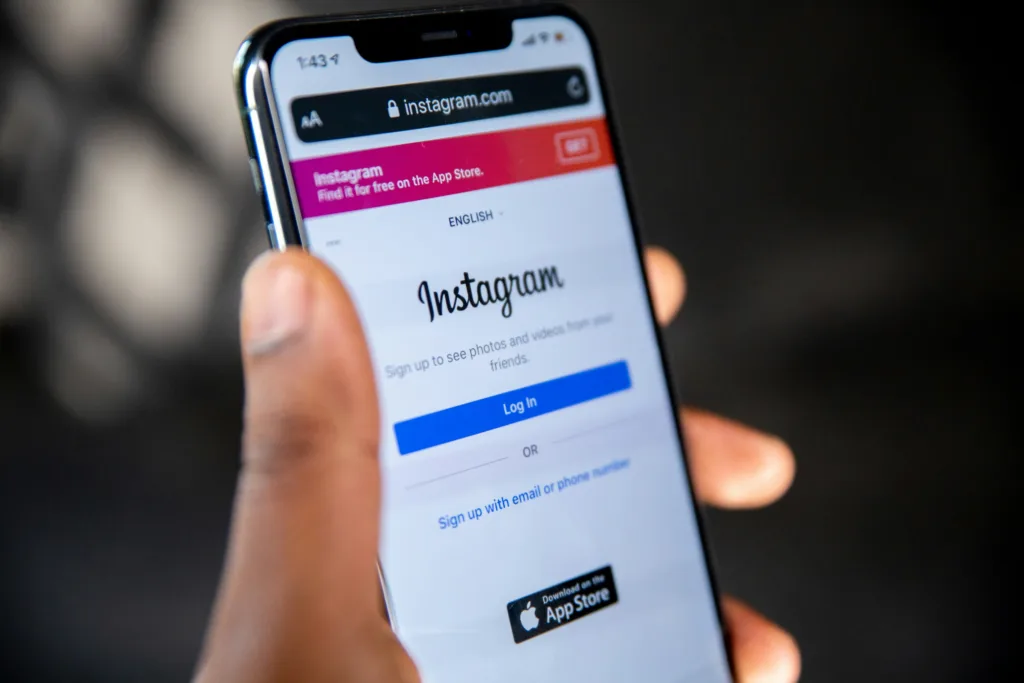
Instagram deliberately keeps blocking actions private. If someone blocks you, the platform won’t send a notification, email, or warning explaining what happened.
This often leaves users wondering whether the other person has simply deactivated their account, changed their username, or actually blocked them.
The problem is that no single sign proves you’ve been blocked. Instead, Instagram leaves several clues that become much more reliable when combined together.
This guide explains five verified methods that help you determine whether someone has blocked you while avoiding false assumptions.
Why Instagram Doesn’t Tell You
Instagram treats blocking as a private safety feature.
If users received notifications every time someone blocked them, it could create unnecessary conflict or harassment.
Instead, Instagram simply limits what you can see and interact with.
That means your goal is not finding one definitive indicator, but combining several reliable observations before reaching a conclusion.
Method 1 — Search for Their Profile
The easiest place to start is Instagram Search.
Search for the person’s username exactly as you remember it.
Possible results include:
- The profile appears normally.
- No profile appears at all.
- A different username appears instead.
If the profile cannot be found, don’t immediately assume you’ve been blocked.
The account may also have:
- Been deleted
- Been temporarily deactivated
- Changed its username
Continue with the remaining checks before drawing conclusions.
Method 2 — Open Their Profile Directly
If you know their username, try opening the direct profile link:
instagram.com/username
If you’re blocked, you may notice:
- Profile picture appears
- No posts are visible
- Follower and Following counts disappear
- “No Posts Yet” appears despite knowing the account previously contained posts
This is one of the strongest indicators, but private accounts and recently deleted accounts can sometimes behave similarly.
Method 3 — Check the Follow Button
If you previously followed the person, examine the Follow button carefully.
A blocked account often behaves differently.
You may see:
- Follow button appears unexpectedly
- Follower numbers disappear
- Tapping Follow has no visible effect
- The page immediately refreshes without following
When combined with missing posts and unavailable profile information, this becomes a much stronger signal.
Method 4 — Review Previous Interactions
Old conversations can reveal useful clues.
Look through:
- Comments
- Likes
- Tagged posts
- Previous mentions
If their profile now appears as:
Instagram User
or tapping their username opens nothing, it usually means one of three things:
- The account was deleted
- The account was deactivated
- You were blocked
Again, one clue alone isn’t enough—but combined with other methods, it becomes increasingly reliable.
Method 5 — Check Direct Messages
Blocking doesn’t usually erase previous conversations.
Older messages often remain visible.
However, you may notice:
- You cannot open their profile from the conversation
- New messages never appear delivered
- Profile information becomes unavailable
- The conversation behaves differently than before
Although useful, DM behavior alone should never be treated as final proof.
The Best Way to Confirm
The most reliable verification method is comparing what you see with another account.
Ask a trusted friend to search the same profile.
If they can:
- See the account
- View posts
- Open the profile normally
while you cannot, the likelihood of being blocked becomes very high.
Alternatively, open Instagram in a browser without signing in and search for the public profile.
If the profile exists publicly but remains inaccessible from your account, blocking becomes the most likely explanation.
Things That Can Look Like Blocking
Several situations produce nearly identical symptoms.
These include:
| Situation | Can Look Like Blocking? |
|---|---|
| Account deactivated | ✅ |
| Username changed | ✅ |
| Account deleted | ✅ |
| Private account removed you | Partially |
| You were blocked | ✅ |
This is why using multiple verification methods is always recommended.
Avoid “Block Checker” Apps
Many websites and mobile apps claim they can reveal exactly who blocked you.
They cannot.
Most require:
- Instagram login credentials
- Account permissions
- Personal information
Besides being unreliable, they also increase the risk of:
- Account compromise
- Phishing
- Credential theft
Instagram does not provide a public API that allows third-party apps to detect who blocked you.
If an app claims otherwise, it should not be trusted.
What Should You Do Next?
If you’ve confirmed someone blocked you, there’s very little you can do from your account.
Creating alternative accounts to bypass blocks may violate Instagram’s policies and should be avoided.
Instead, respect the user’s privacy decision and move on.
If you were only trying to troubleshoot account visibility, verifying through a mutual friend is usually enough to determine whether the issue was blocking or account deletion.
If you’re also improving your social media privacy, our guide How to Hide Online Status on WhatsApp (Android and iPhone) in 2026 explains similar visibility controls on another popular messaging platform.
Likewise, if your Android device has recently become sluggish while running multiple social media apps, How to Make Android Faster Without Root (2026 Speed Guide) explains how background processes can affect overall performance.
For official information about Instagram’s blocking and privacy features, users can also visit Instagram Help Center.
⚡ TechularZtrix Scan
📌 Bottom Line: No single Instagram indicator confirms you’ve been blocked. Combining profile visibility, search results, follower information, old interactions, and verification through another account provides the most reliable answer.
⏱ Difficulty Level: Easy
⌛ Time Required: 5–10 minutes.
✅ Best For: Instagram users who suspect someone has blocked them and want to verify it without relying on unreliable third-party apps.
🏆 Biggest Win: Using several verification methods together dramatically reduces false assumptions caused by deleted or deactivated accounts.
⚠️ Biggest Compromise: Instagram intentionally hides blocking information, so absolute confirmation isn’t always possible without comparison from another account.
📈 Why It Matters: Understanding how Instagram’s privacy system works helps users avoid misinformation and protects them from unsafe “block checker” applications.
🔍 Our Recommendation: Always verify with at least three different checks before assuming you’ve been blocked, and never share your Instagram login with third-party services.