SSD vs HDD: Which Storage Is Better for Speed, Gaming, and Daily Use?
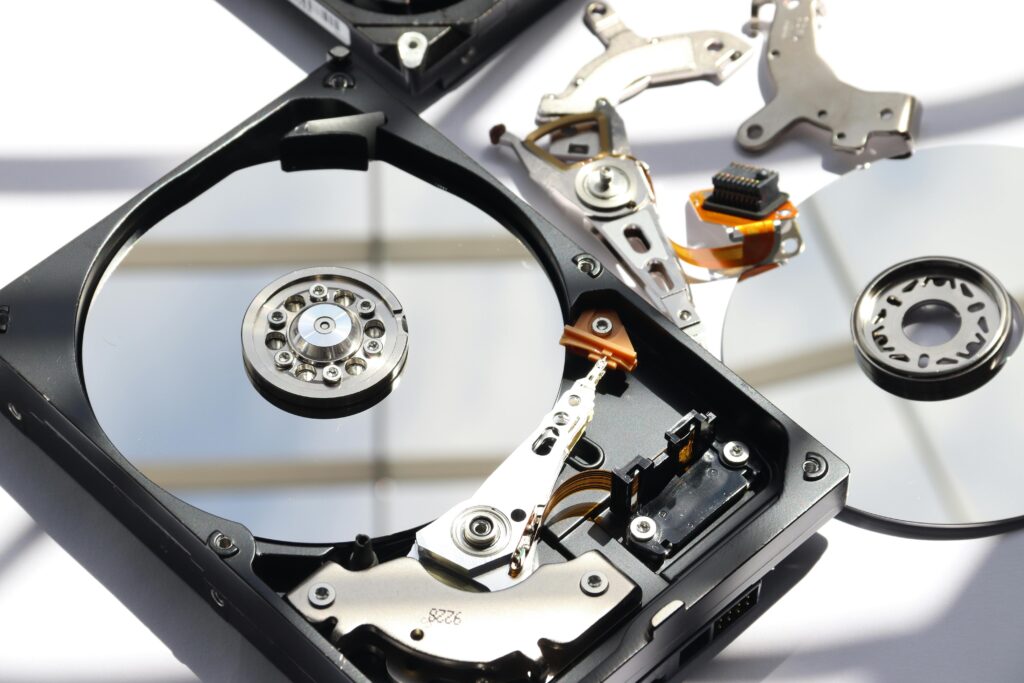
Comparison between SSD Vs HDD
| Factor | SSD (Solid State Drive) | HDD (Hard Disk Drive) |
|---|---|---|
| Technology Type | Flash memory (no moving parts) | Spinning magnetic disks |
| Boot Speed | Extremely fast (seconds) | Slow (minutes on older systems) |
| Read/Write Speed | 5–20x faster | Limited by mechanical speed |
| Real-World Performance | Instant app launches | Noticeable delays |
| Gaming Load Times | Very fast | Slow loading screens |
| Multitasking | Smooth and responsive | Can lag under load |
| Durability | Shock-resistant | Vulnerable to drops |
| Noise Level | Silent | Audible spinning noise |
| Heat Generation | Minimal | Higher heat output |
| Power Efficiency | Very efficient | Consumes more power |
| Battery Impact (Laptops) | Improves battery life | Reduces battery life |
| Storage Capacity | Lower per price | Very high capacities |
| Cost per GB | Expensive | Affordable |
| Weight | Lightweight | Heavier |
| Form Factors | SATA, NVMe, M.2 | 2.5”, 3.5” |
| Upgrade Ease | Easy | Easy |
| Data Recovery | Complex | Easier in some cases |
| Best Use Case | OS, apps, gaming | Mass storage, backups |
| Longevity | Long with modern wear leveling | Long if handled carefully |
| Value for Money | Performance-focused | Budget-focused |
| Who Should Choose | Speed-focused users | Storage-heavy users |
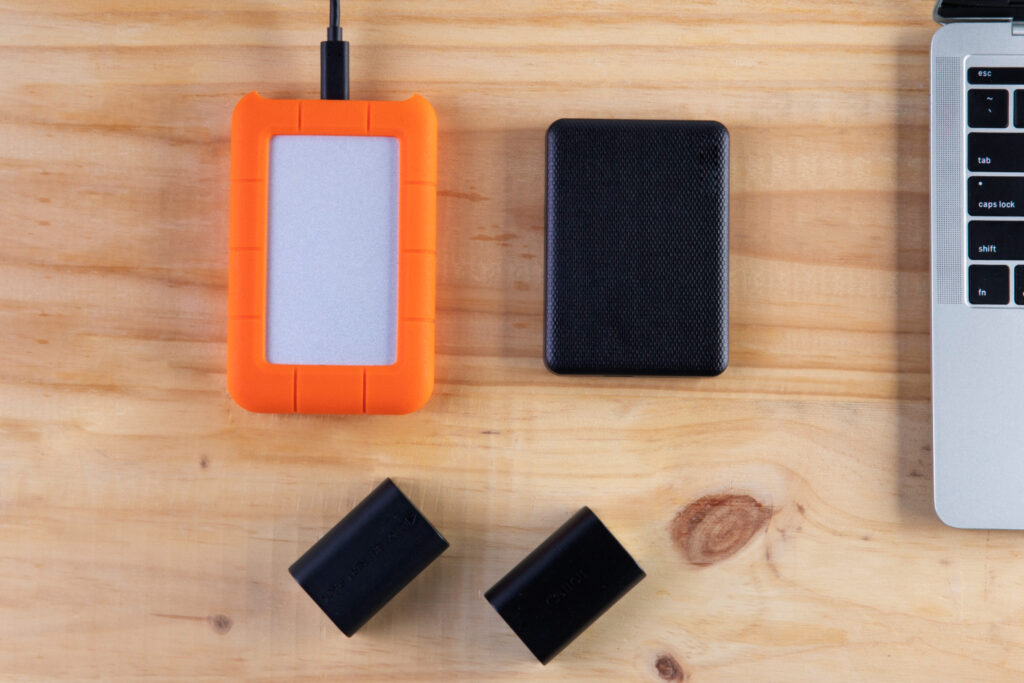
SSD vs HDD: WHAT ACTUALLY MATTERS:
Performance & Speed
The biggest difference between SSD vs HDD is speed. An SSD dramatically reduces boot times, file transfers, and application loading. In daily use, this translates to a system that feels instantly responsive.
An HDD, while reliable, struggles with modern multitasking and heavy applications due to mechanical limitations.
Verdict: SSD wins decisively for performance.
SSD Vs HDD: Gaming & Creative Work
Games installed on SSDs load faster and offer smoother asset streaming. While FPS remains mostly unchanged, load screens and open-world rendering improve significantly.
HDDs may still run games, but with longer wait times and occasional stutter in newer titles.
Verdict: SSD is strongly recommended for gaming.
SSD Vs HDD: Power Efficiency & Portability
SSDs consume less power, generate less heat, and improve laptop battery life. HDDs drain more power due to moving parts.
Verdict: SSD is better for laptops and portable systems.
SSD Vs HDD: Storage Capacity & Cost
HDDs still dominate in cost-per-GB. If you need massive storage for backups, media libraries, or archives, HDDs remain practical.
SSDs are ideal for speed-critical data, not bulk storage on a budget.
Verdict: HDD wins for affordability and capacity.
“Storage speed plays a major role in overall system performance.”
Reliability & Durability
With no moving parts, SSDs handle shocks and vibrations far better. HDDs can fail if dropped while running.
However, HDDs may offer easier data recovery in certain failure scenarios.
Verdict: SSD is safer for daily use.
Final and Clear Decision For SSD Vs HDD:
- Choose SSD if:
You want speed, smooth performance, gaming responsiveness, and better battery life. - Choose HDD if:
You need large storage at the lowest possible cost. - Best Setup is:
SSD for OS + apps, HDD for storage — this is the professional standard.
“Independent storage benchmarks consistently show SSDs outperforming HDDs in real-world use.”