Easy Guide: How to Use Meta AI in WhatsApp in 2026
Quick Highlights
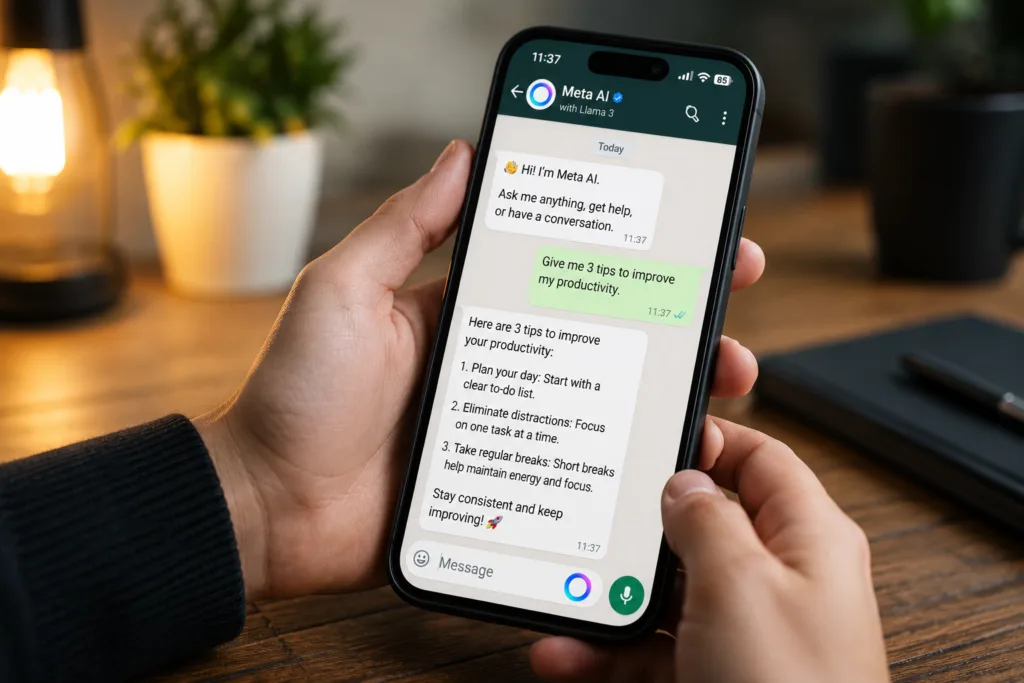
Artificial intelligence is no longer limited to dedicated apps and websites. Meta has integrated its AI assistant directly into WhatsApp, allowing users to ask questions, generate ideas, draft messages, plan trips, and perform everyday tasks without leaving the messaging app.
For many users, Meta AI is becoming one of the quickest ways to get information or assistance while chatting with friends, family members, or colleagues.
If you’re wondering how to use Meta AI in WhatsApp, here’s everything you need to know.
What Is Meta AI in WhatsApp?
Meta AI is an AI-powered assistant integrated into WhatsApp by Meta.
Instead of opening a separate application, users can interact with the assistant directly inside WhatsApp. The tool can answer questions, generate content, explain concepts, help with planning, and perform a variety of productivity-related tasks.
Depending on your region and app version, Meta AI may also support image generation and additional creative features.
Important Things to Know Before You Start
Before using Meta AI, keep the following in mind:
- WhatsApp must be updated to the latest version
- Meta AI availability varies by region
- An active internet connection is required
- Some advanced features may roll out gradually
- Avoid sharing passwords, banking details, or highly sensitive information
How to Open Meta AI in WhatsApp
Method 1 — Use the Meta AI Shortcut
Many users will see a dedicated Meta AI icon within WhatsApp.
Tap the icon to open a conversation with Meta AI and start chatting immediately.
Method 2 — Use WhatsApp Search
Open the WhatsApp search bar.
In supported regions, Meta AI may appear as a suggested option near the top of the search screen.
Tap it to begin a conversation.
Method 3 — Use Meta AI in Group Chats
Open any WhatsApp group.
Type:
@Meta AI
Follow it with your question or request.
Meta AI will respond directly inside the group conversation where everyone can view the response.
Method 4 — Start a New AI Conversation
Some versions of WhatsApp allow users to select Meta AI from the new chat screen.
If available, simply choose Meta AI as you would any other contact.
What Can You Do With Meta AI?
Get Quick Answers
You can ask factual questions such as:
- What causes battery degradation?
- How does Wi-Fi 7 work?
- What is the difference between OLED and Mini LED?
Meta AI can provide simplified explanations without requiring a web search.
Write and Improve Messages
Meta AI can help draft:
- Professional emails
- Work messages
- Social media captions
- Formal replies
- Event invitations
It’s particularly useful when you’re unsure how to phrase something.
Plan Trips and Activities
Meta AI can create travel itineraries, suggest attractions, recommend restaurants, and help organise events.
For example:
“Plan a 3-day trip to Goa for a family.”
Summarise Information
Paste text into the chat and ask Meta AI to summarise it.
This can be useful when reading lengthy articles, notes, or reports.
Generate Ideas
Meta AI can assist with:
- Content ideas
- Study plans
- Business names
- Project brainstorming
- Shopping suggestions
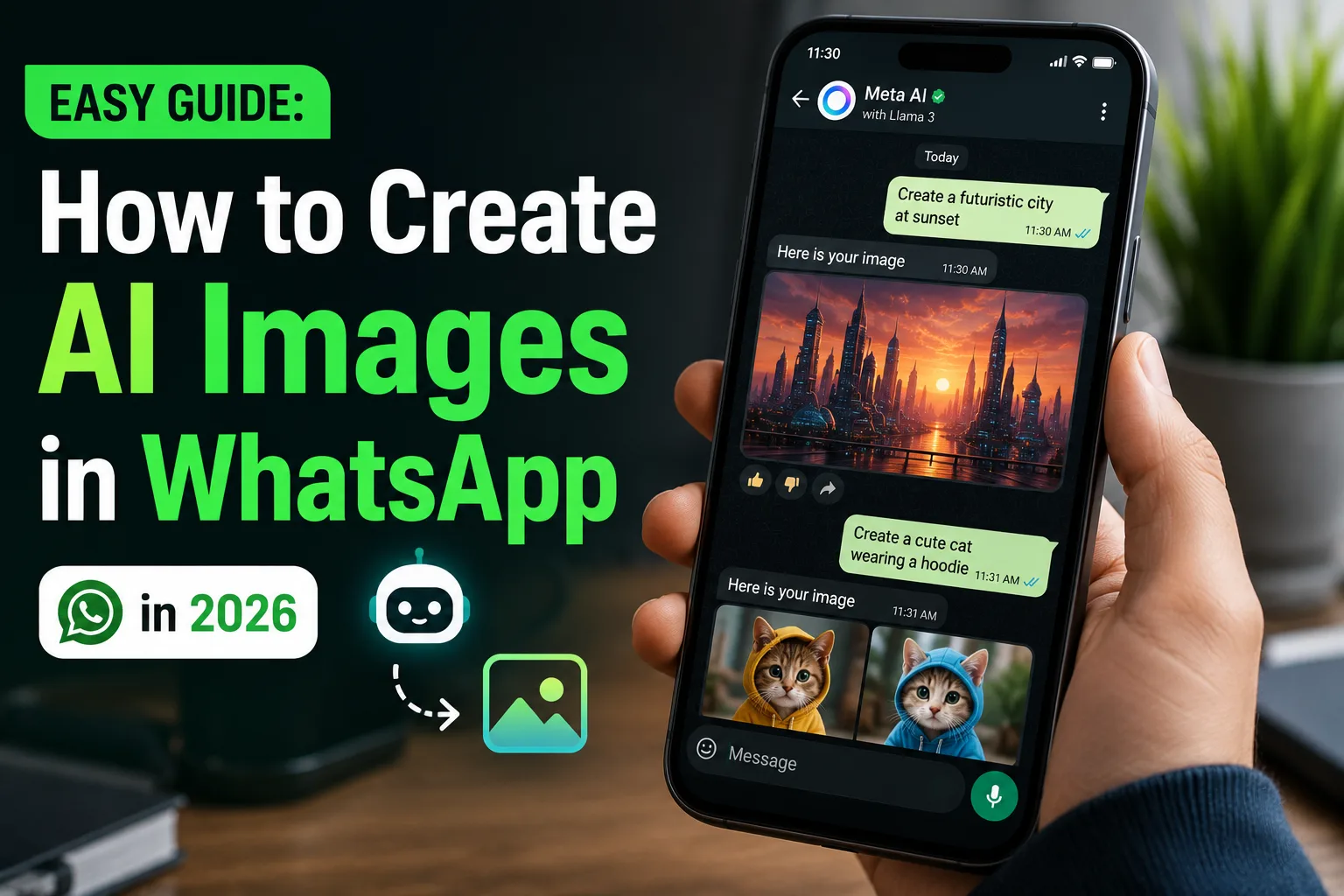
Create Images
In supported regions, Meta AI can generate images from text prompts.
Availability varies depending on country and account access.
Privacy and Security Considerations
Meta AI is designed to process prompts in order to generate responses.
For that reason, users should avoid sharing:
- Passwords
- Banking information
- Government identification details
- Sensitive personal information
- Confidential business information
Using Meta AI for general productivity, planning, writing assistance, and information lookup is generally the safest approach.
Common Problems and Fixes
Meta AI Is Missing From WhatsApp
Try the following:
- Update WhatsApp to the latest version
- Restart the application
- Check whether Meta AI is available in your country
- Wait for the feature rollout to reach your account
Meta AI Is Not Responding
Check your internet connection and ensure WhatsApp is connected properly.
Temporary service interruptions may also affect availability.
Image Generation Is Not Available
Image generation support is still expanding and may not be available in every region.
Related WhatsApp Guides
If you’re improving your WhatsApp setup, you may also want to read:
For official feature availability and support information, users can visit the official WhatsApp Help Center.
⚡ TechularZtrix Scan
📌 Bottom Line: Meta AI brings an AI assistant directly into one of the world’s most popular messaging apps, making everyday tasks faster without requiring separate applications.
⏱ Difficulty Level: Easy
⌛ Time Required: Less than 1 minute
✅ Best For: Students, professionals, content creators, and anyone who wants quick answers or productivity assistance inside WhatsApp.
🔍 Why It Matters: Instead of switching between apps, users can access AI-powered help directly where conversations already happen.
💡 Best Option Right Now: Use Meta AI for writing assistance, trip planning, summaries, and brainstorming, while avoiding sensitive personal or financial information.
Yes. Meta AI is currently available free of charge in supported regions.
Yes. Simply type @Meta AI followed by your request.
In most regions, Meta AI cannot be completely removed, but you are not required to interact with it.
Yes, image generation is available in supported regions and accounts.
Support continues to improve, although English generally offers the most complete experience.